7
3. OPERATING GUIDE
3.1 CD to CD BACKUP
I. Power up the CD Twin and wait for the system to initialize
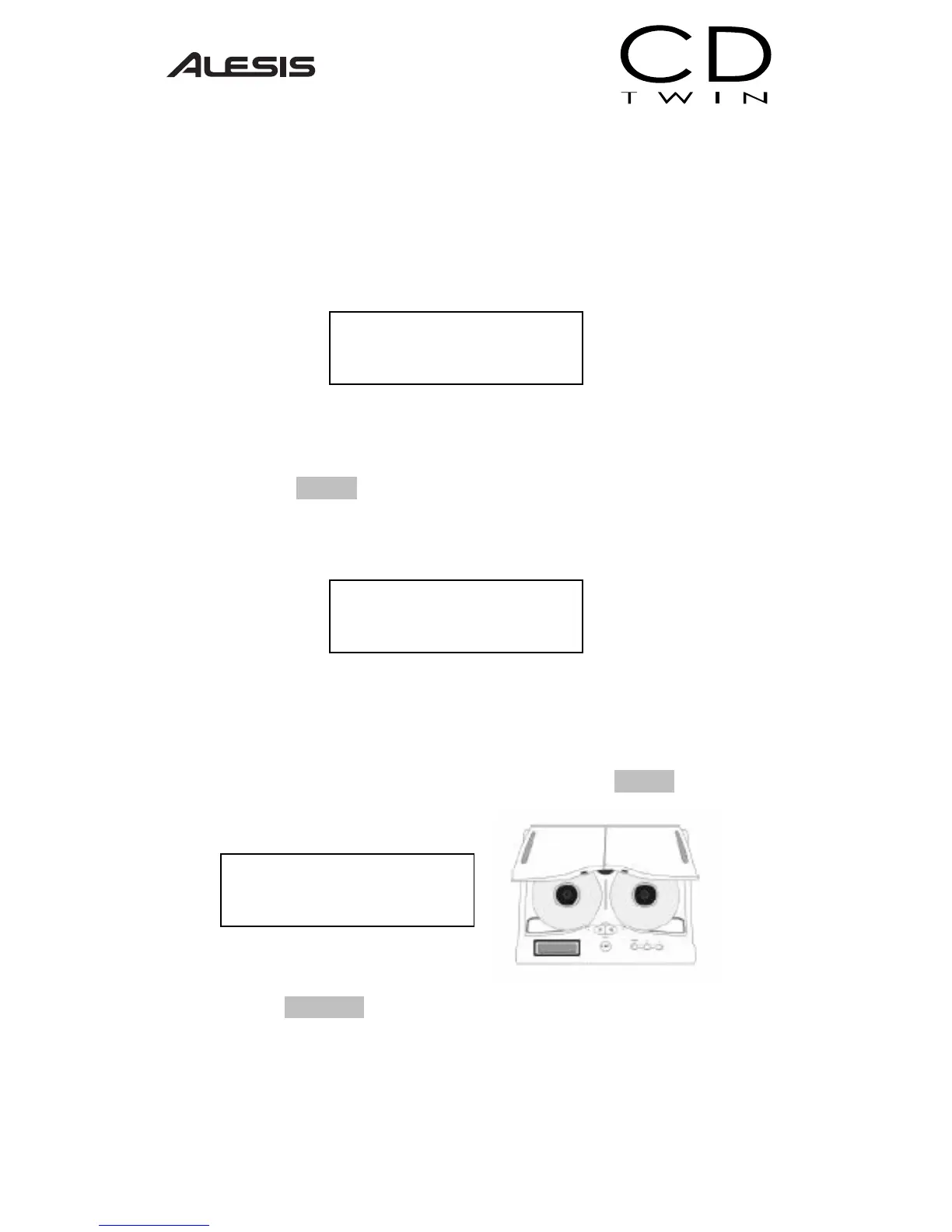
II. Insert the source disc into the reader CD-ROM [labeled as Reader],
and insert a blank disc into the writer CD-RW [labeled Writer]
III. Press the START button to begin the CD backup process.
IV. The LCD will display the total disc length and the time elapsed while
the CD Twin is in process.
V. The CD-RW will automatically eject when the CD Twin has
successfully completed.
VI. If you would like to make additional copies of the same disc, simply
insert another blank CD-RW into the Writer and press START again.
Pressing the CANCEL button will take you back to the Main Menu.
CD Twin
1. Copy Disc
Write [73:51]
Data CD 00:52
Waiting ...
Blank Disc


 To Next Page