4
Sounds
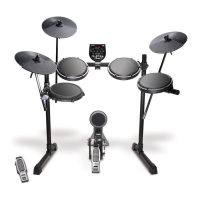
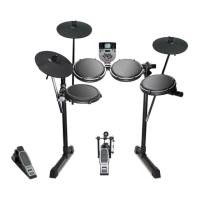
CompactKit 4 has several different sounds that you can assign to each drum pad.
To assign a sound to a pad:
1. Press Rhythm then turn the dial to select a song.
2. Press Pad Assign.
3. Hit a pad to change its sound. Each hit will play and select the next sound. Stop after you
hear the sound you want to use for that pad.
4. Optional: To change the sound of another pad, repeat Step 3.
5. When you are finished, press Pad Assign. The sounds are now assigned to those pads.
Game
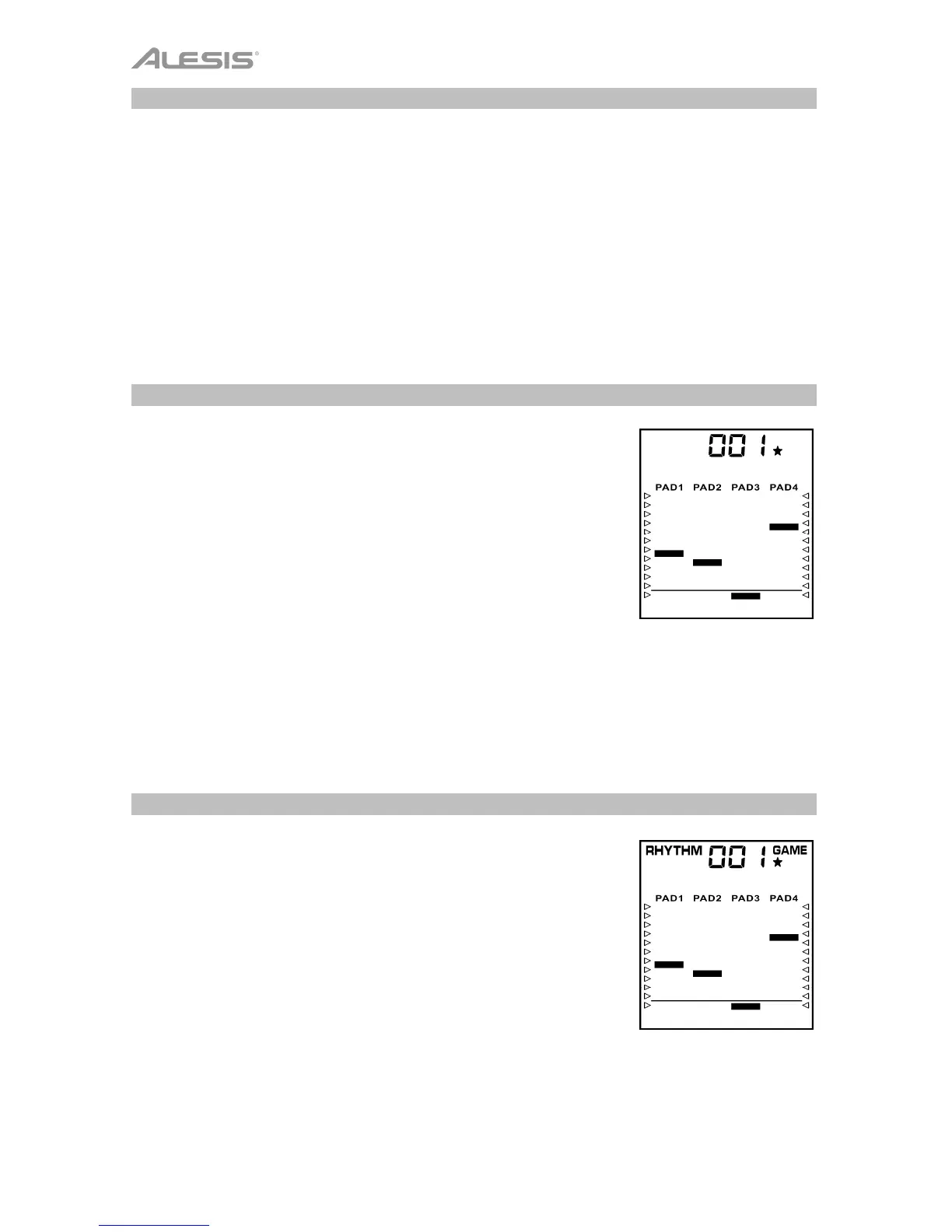
CompactKit 4 has a built-in game that can help you learn its various
drum patterns. In the display, bars will descend in each column
(representing each pad). Once a bar reaches below the line, hit the
corresponding pad.
To play the game:
1. Press Game.
2. Turn the dial to select a rhythm. The upper-right corner will
show 1, 2, or 3 stars to indicate the difficulty level: 1 is easy, 2
is normal, and 3 is hard.
3. Press Start/Stop to start playing. As each bar reaches the line
at the bottom of the display, hit the corresponding pad.
4. When the game is finished, you will see your score (000–100%).
After 3 seconds, the game will restart.
5. Press Start/Stop to stop playing.
Coach
CompactKit 4 has a built-in drum coach that can help improve your
skill at learning general drum patterns. In the display, bars will
descend in each column (representing each pad). Once a bar
reaches below the line, hit the corresponding pad.
To use the coach:
1. Press Coach.
2. Turn the dial to select a pattern. The upper-right corner will
show 1, 2, or 3 stars to indicate the difficulty level: 1 is easy, 2
is normal, and 3 is hard.
3. Press Start/Stop to start playing. As each bar reaches the line
at the bottom of the display, hit the corresponding pad.
4. When the session is finished, you will see your score (000–
100%). After 3 seconds, the coach will restart.
5. Press Start/Stop to stop playing.



 To Next Page