11
MIX FUNCTIONS: VOLUME, PANNING, OUTPUT
ASSIGNMENTS AND EFFECTS
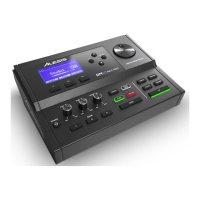
Pressing the [MIX] button puts the DM Pro into Mix Edit mode which
allows you to adjust drum volumes, pan positions, output assignments and
effects levels.
• Be sure that the Drumkit for which you want to do your MIX edits is
the currently selected Drumkit. To do this, follow the procedure on
page 2 of the Basic User Guide for calling up Drumkits.
• Once you have done this, press the [MIX] button.
• Make sure the Cursor is in the upper left portion of the top line of the
display. Then turn the Value encoder to select the following
parameters to edit:
How to Adjust the Volume of a Drum
P1: Drum Volume
• To set Drum Volume manually, move the cursor beneath the Drum
Volume Parameter Value and use the Value encoder to change the
volume:
Drum Volume: 99



 To Next Page