30
Saving a Song…
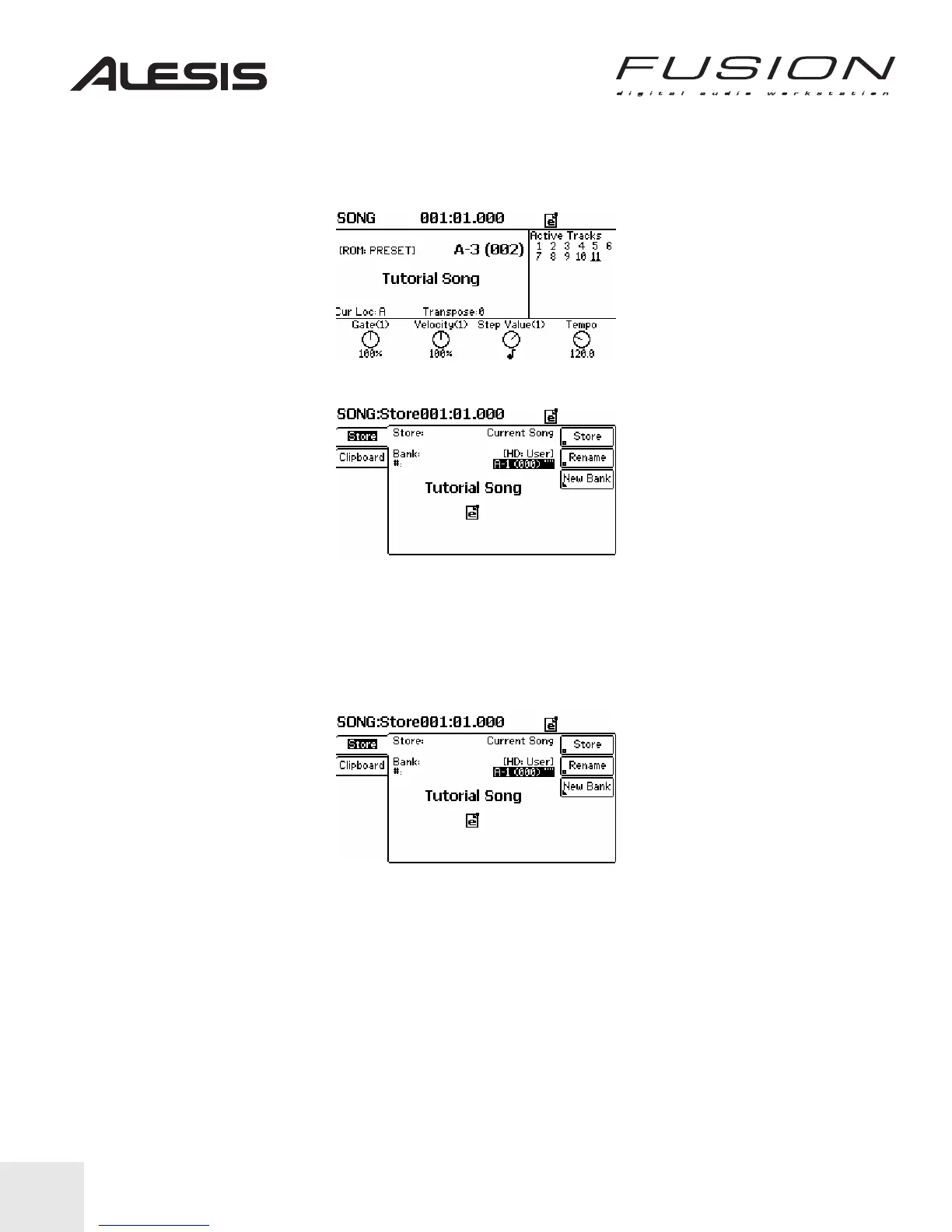
Now that we’ve edited the demo song, you’ll notice that the “e” icon appears at the top right of
the display. This indicates that the song has been edited and has not been saved yet.
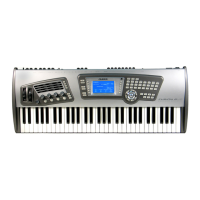
1. Press the STORE button adjacent to the Control Wheel. Your screen will look like the one
below:
The Tutorial Song is a Preset Song, which cannot be overwritten so we will need to save it to a
new location.
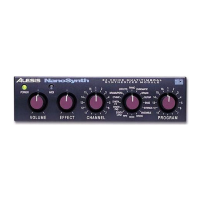
2. Use the PREV/NEXT buttons to move the cursor left and right, and the Control Wheel to
change the selected Bank. Choose a Bank location to save it to such as CF (compact flash)
card or HD (the internal hard disk.)
3. Use the PRE/NEXT buttons to move to the specific location you want to save the Song to such
as A-1 (000).
4. Press the Store button on the display’s upper right to store the song. You have now saved
your edited song to that location.


 To Next Page