1
Chapter 1 Installation Guide
1.1 Software Installation
1.1.1 Overview
The Setup Wizard will guide you through the installation of the Utility and drivers. Before you
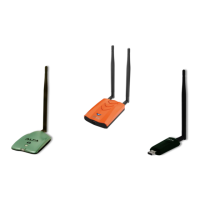
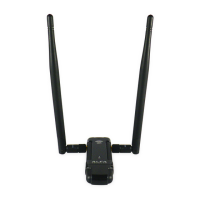
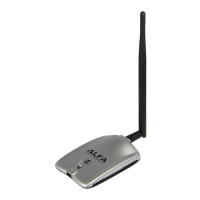
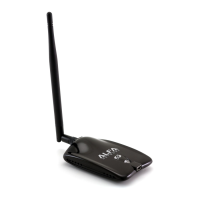
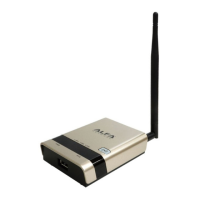
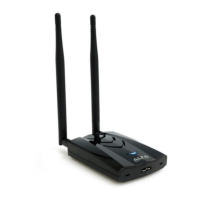
install the software, please connect the ALFA WiFi USB Device with your computer by USB
cable. After that, you will be prompted “Found New Hardware Wizard”, click the Cancel button,
and run the Setup Wizard program on the CD-ROM.
Note:
The Setup steps for Windows XP/ Vista/ 7/ Win 8/Win10 are very similar, so the following
installation guide takes Windows XP for example.
1.1.2 Installation Guide
1. After inserting the provided Resource CD into your CD-ROM drive, the Setup Wizard will
automatically pop up on your computer’s screen. Choose “Install Driver&Utility” as shown in
the following figure to start the installation.



 To Next Page