32 | Setting up the monitor
CAUTION: Do not plug the power cable into the wall outlet or turn on the
monitor until you are instructed to do so.
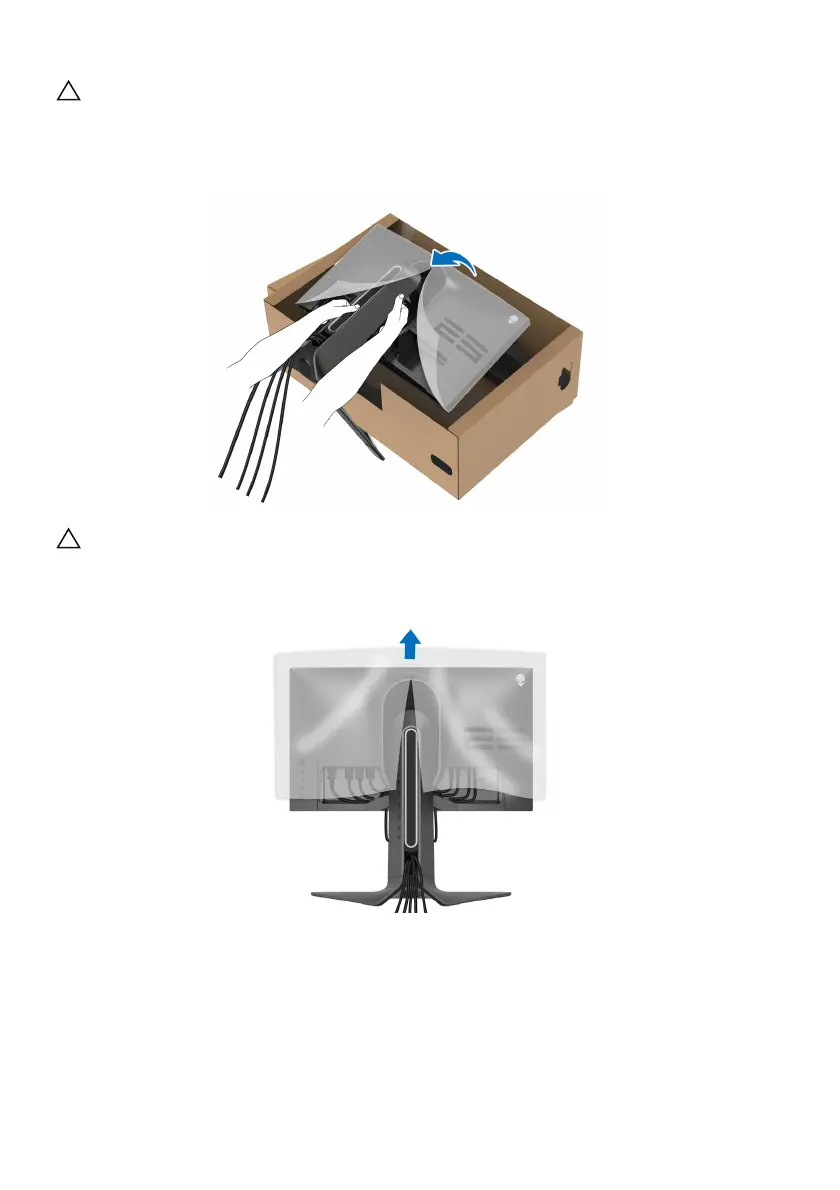
11. Hold the stand riser and lift the monitor carefully, then place it on a flat
surface.
CAUTION: Hold the stand riser firmly when lifting the monitor
to avoid
any accidental damage.
12. Lift the protective cover from the monitor.















 To Next Page