42 | Operating the monitor
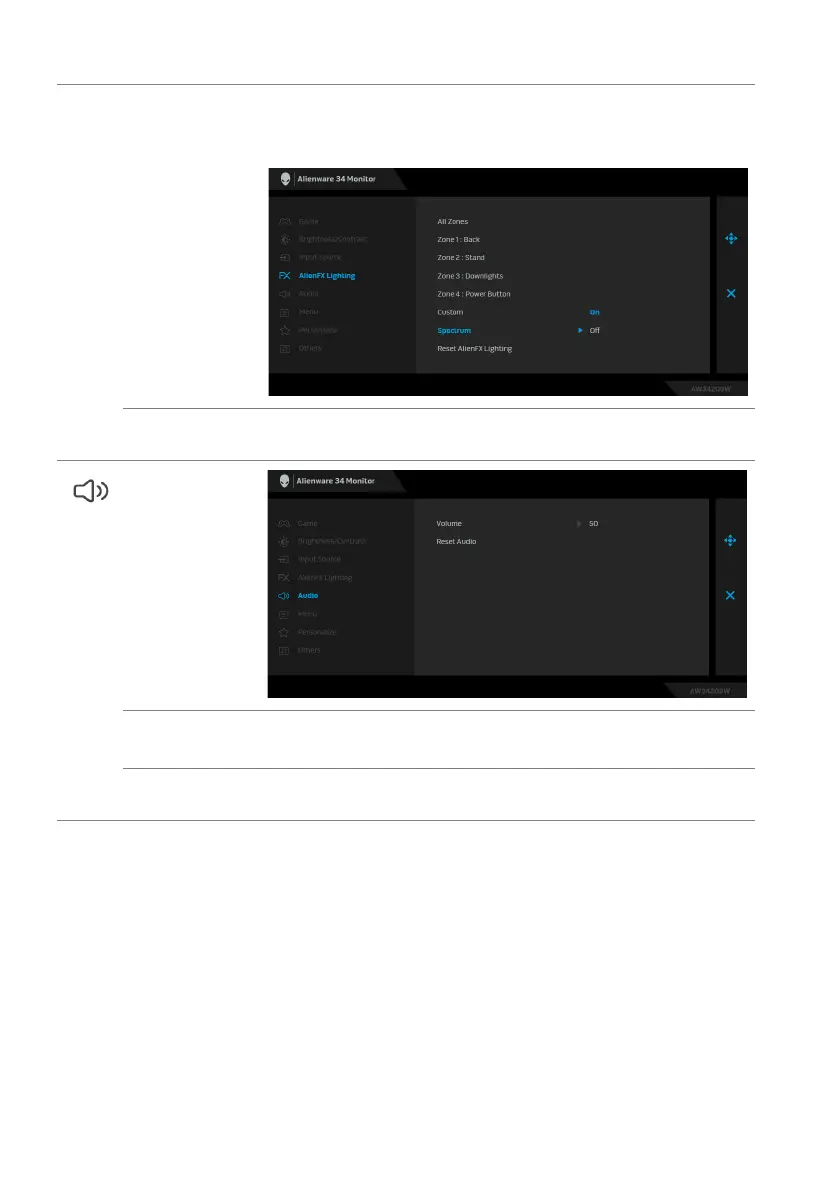
Spectrum When you select On, the AlienFX lights of 4 zones glow and
change colors in the sequence of the color spectrum: red,
orange, yellow, green, blue, indigo, and violet.
Reset AlienFX
Lighting
Resets all settings under the AlienFX Lighting menu to the
factory defaults.
Audio
Volume Allows you to set the volume level of headphone output.
Use the joystick to adjust the volume level from 0 to 100.
Reset Audio Resets all settings under the Audio menu to the factory
def
aults.















 To Next Page