Using AlienFX application | 53
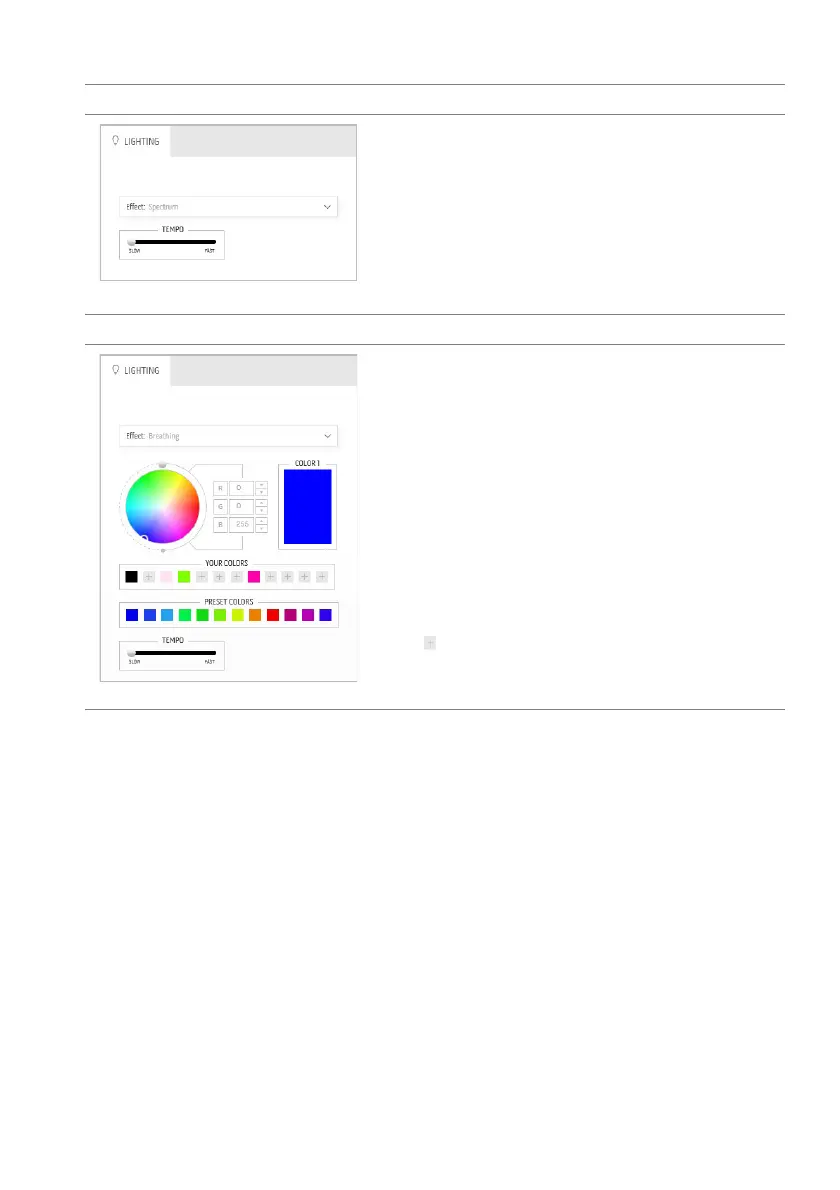
Spectrum Descriptions
The effect makes the light change in sequence of
spectrum: red, orange, yellow, green, blue, indigo,
and violet.
You can drag the TE
MPO slider to adjust the
transition speed.
NOTE: T
he option is available only when you select
All Zones to make lighting adjustments.
Breathing Descriptions
The effect makes the light change from bright to
dim.
To make the adjustments:
1. Pick a
preferred color from the color palette
or the list of PRESET COLORS. The selected
color and its RGB color codes will be
displayed on the right field.
NOTE: To
change the color, use the up and down
arrow buttons beside the R/G/B boxes to edit the
color codes.
2. To
add the selected color to the list of YOUR
COLORS for quick access in the future, click
. At most 12 colors can be added to the list.
3. Drag the TEMPO slider to adjust the
transition speed.















 To Next Page