Setting up your gaming keyboard |
Internal Use - Confidential
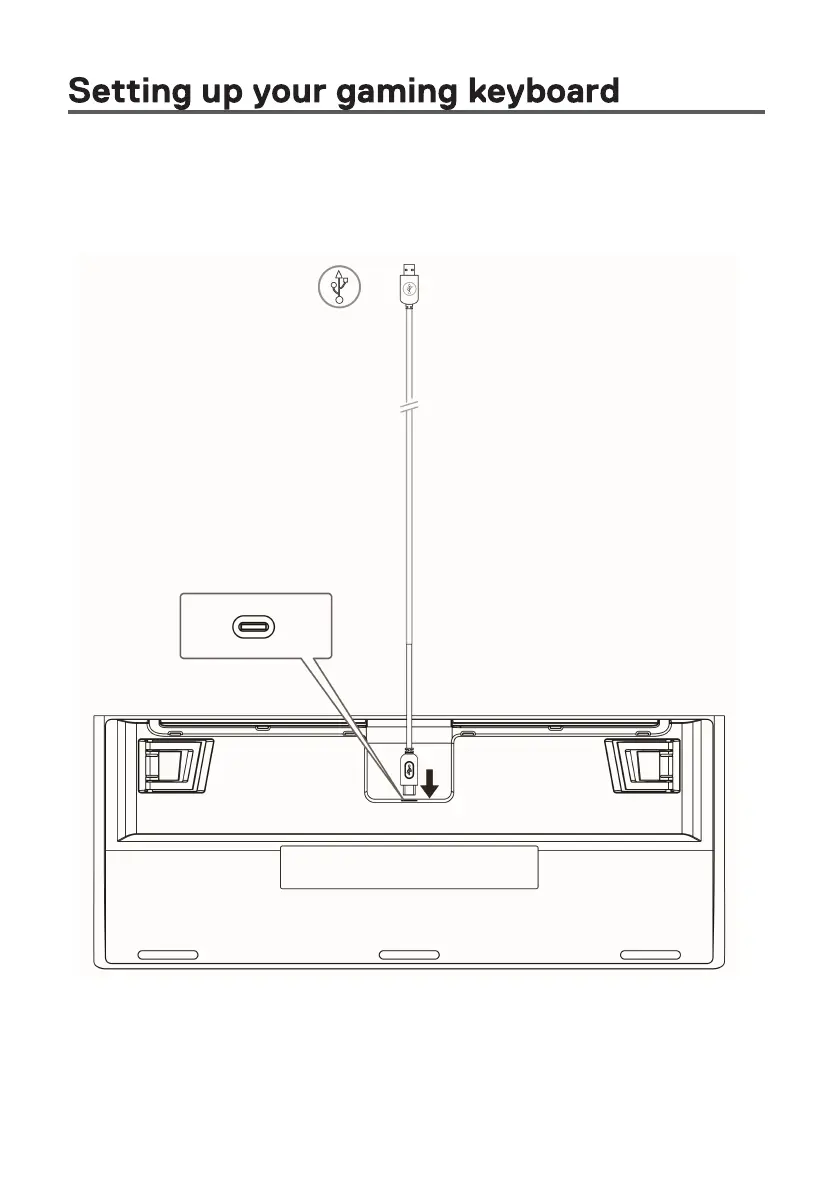
1. Connect the USB cable (USB-C) to your gaming keyboard and
connect the USB cable (USB-A) to the USB port on your computer.
Connect the USB cable for accessing all the keyboard functions such as
typing, macro, or lighting animation.



 To Next Page