7 │ Setting up your gaming keyboard
Setting up your gaming keyboard
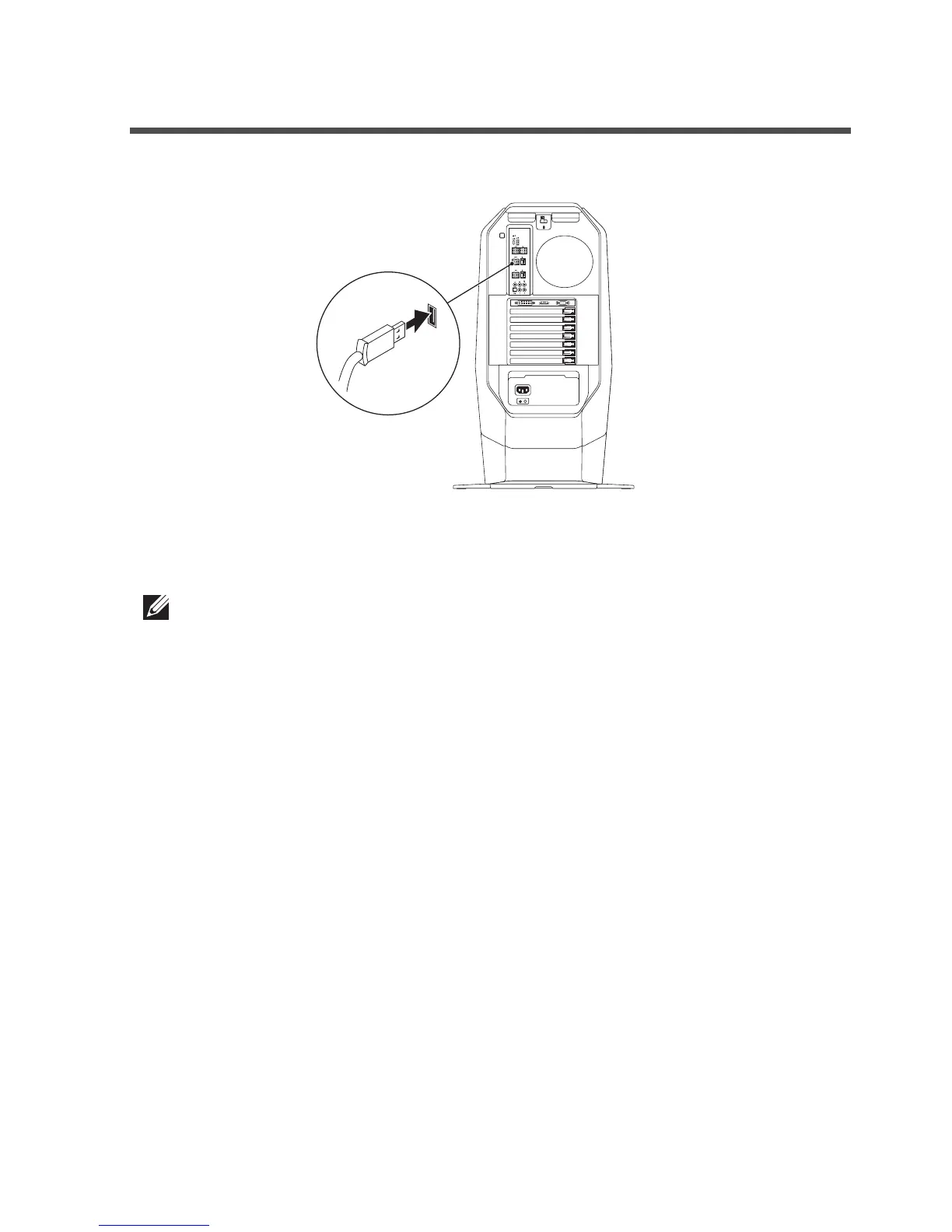
1. Connect your keyboard to the USB port on your computer.
2. Download and install the Alienware Control Center. See Alienware
Control Center.
NOTE: You can use your gaming keyboard as a dektop keyboard
without install the Alienware Control Center.



 To Next Page