9 │ Using the Alienware Control Center
Using the Alienware Control Center
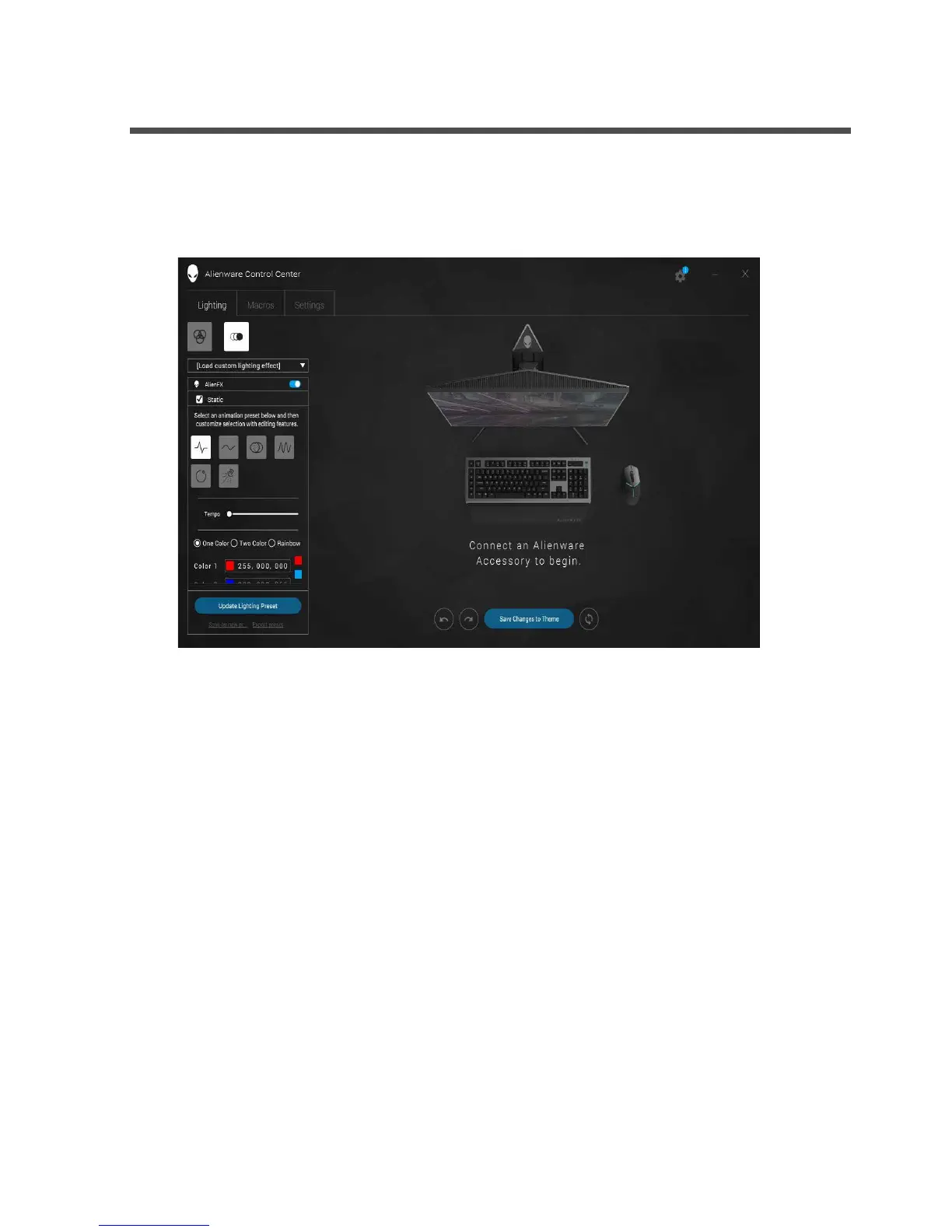
1. Double-click on the Alienware Control Center icon on your desktop to
open the application. If your device is not attached, you will be prompted
to connect an Alienware accesory to begin.
2. Plug in your Alienware accessory to the USB port on your computer.



 To Next Page