EasyManua.ls Logo

Alinco DJ-X11 - User Manual

Alinco DJ-X11
113 pages
Print Icon
To Next Page IconTo Next Page
Loading...
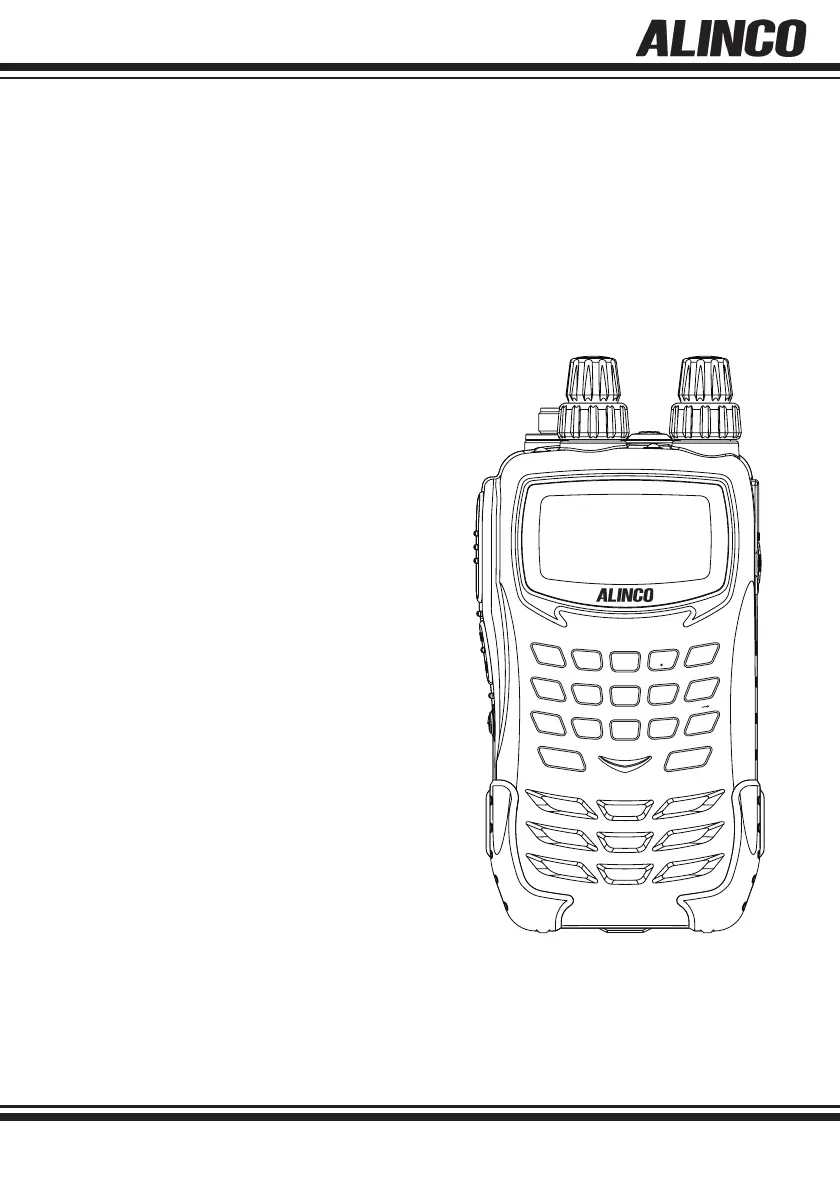
DJ-X11
Instruction Manual
Thank you for purchasing your new Alinco receiver. This instruction manual contains important safety and operating
instructions. Please read this manual carefully before using the product and keep it for future reference
.
WIDE BAND COMMUNICATION RECEIVER
ALINCO, INC
DJ-X11
1
WILD
GAIN
ATT
MODE
TONE
SHIFT
SET
MW
LINK
NAME
F TUNE
PRIO
STEP
AUDIO
0
ENT
CLR
SUB
MAIN
SCOPE
V/P/M
SCAN
M V
3
DEF
2
ABC
5
JKL
4
GHI
8
TUV
6
MNO
9
WX
YZ
7
PQ
RS

Table of Contents

Questions and Answers

  • C
    Catherine Barrett DVMAug 13, 2025
    What to do if nothing appears on the LCD of my Alinco DJ-X11 when I turn it on?
    • D
      Diana HuynhAug 13, 2025
      If nothing appears on the LCD screen when you power on your Alinco Receiver, there could be a few reasons: * **Poor battery contact:** Ensure the battery terminals are clean. * **Flat batteries:** Recharge the battery pack or replace the dry-cell batteries with new ones. * **Quick release of the power button:** Press and hold the [PWR] key for one full second until the receiver turns on.
  • R
    robertriceAug 16, 2025
    Why is there no speaker audio or reception on my Alinco DJ-X11 Receiver?
    • D
      Daniel JacksonAug 16, 2025
      If you're experiencing no speaker audio or reception on your Alinco Receiver, consider the following: * **Volume level:** The volume might be too low. Try adjusting the volume to a higher level. * **Squelch level:** The squelch level could be set too high. Adjust the squelch to a lower level. * **Tone Squelch:** Tone Squelch might be activated. Deactivate the Tone Squelch function. * **Mute function:** The Mute function may be turned on. Deactivate the Mute function.
  • J
    Jessica HowardAug 20, 2025
    Why does the display of my Alinco DJ-X11 flash or go off during signal reception?
    • D
      David WalkerAug 21, 2025
      If the display of your Alinco Receiver flashes or turns off during signal reception, it's likely due to low battery power. Try charging the battery pack or replacing the dry batteries with new ones.
  • L
    Laura ZimmermanAug 25, 2025
    What to do if the frequency display is incorrect and my Alinco Receiver doesn't operate properly?
    • L
      Leah HollowayAug 25, 2025
      If the frequency display is incorrect and your Alinco Receiver isn't operating properly, it may be due to a CPU error. To resolve this, uninstall the batteries or unplug the external power supply, wait at least 10 seconds, and then reinstall the batteries or reconnect the power supply. If the problem continues, reset the receiver.
  • J
    Jennifer NealAug 28, 2025
    How to fix Alinco DJ-X11 Receiver when it does not scan?
    • K
      Kara HansonAug 28, 2025
      If your Alinco Receiver isn't scanning, it might be because the squelch is open. Adjust the squelch level until the noise disappears.
  • M
    Ms. Tracy EvansSep 1, 2025
    What to do if charging fails on my Alinco DJ-X11 Receiver?
    • R
      robert02Sep 1, 2025
      If charging fails on your Alinco Receiver, the charging terminals of the charger may be dirty. Wipe off any dirt on the charging terminals and the contacts of the battery pack using a dry cloth.
  • M
    Matthew JohnsonSep 4, 2025
    What to do if keys do not operate on Alinco DJ-X11?
    • J
      Jennifer TorresSep 4, 2025
      If the keys on your Alinco Receiver aren't working, the key-lock function may be activated. Release the Key-lock.
  • P
    Patricia KeySep 8, 2025
    Why frequency and memory channel number do not change on my Alinco DJ-X11 Receiver?
    • J
      jerry17Sep 8, 2025
      If the frequency and memory channel number aren't changing on your Alinco Receiver, the key-lock function is likely turned on. Release the Key-lock.

Summary

1. Features

2. Checking the Accessories

3. Attaching Accessories

Antenna and Strap Attachment

Instructions for attaching the antenna and hand strap.

Belt Clip and Battery Pack

Procedures for attaching the belt clip and battery pack.

Battery Charging

Methods for charging the battery pack via DC jack or charger.

Battery Pack Precautions

Safety and handling precautions for the battery pack.

Dry Battery Case Usage

Instructions for using the dry battery case.

Battery Level Icons

Explanation of battery level indicators on the LCD.

4. Part Names and Operation

Receiver Part Identification

Identifies and describes the various parts of the receiver.

LCD Display Guide

Explains the various indications shown on the receiver's LCD screen.

5. Basic Operation

Power ON;OFF and Frequency Tuning

How to turn the receiver on/off and tune frequencies.

Volume and Squelch Adjustment

Guide to adjusting audio volume and squelch levels.

Monitor and Mute Functions

How to use monitor and mute functions for signal reception.

Band Selection

How to select the main or sub band for operation.

6. Operating Modes

VFO, Preset, and Memory Modes

Explains the three main operating modes of the receiver.

Frequency Setting Methods

Covers setting frequencies in VFO, direct input, and Preset modes.

Receiving Operation Basics

General guidelines and cautions for receiving signals.

Receivable Frequency Ranges

Lists the receivable frequency ranges for main and sub bands.

7. Memory Mode

Memory Bank Types and Usage

Describes the six types of memory banks available.

Memory Channel Programming

Detailed steps for programming memory channels.

Memory Channel Management

Procedures for calling up, deleting, and editing memory channels.

Quick Memory and Skip Functions

Using quick memory and skipping channels during scans.

Memory Naming

How to assign names to memory channels.

8. Functions Assigned to the Key Pad

Shortcut and Key Functions

Assigning functions to keys and adjusting sensitivity/attenuation.

Modulation and Tone;DCS Settings

How to switch modulation modes and set Tone Squelch/DCS.

Bank Linking and Priority Monitoring

Grouping banks and monitoring priority channels.

Sound Quality, Frequency Shift, and Channel Step

Adjusting sound, frequency shift, and channel step settings.

Channel Scope and F Tuning

Using channel scope for signal visualization and F Tuning for signal detection.

9. Useful Functions

Key-lock and Scanning Functions

Using key-lock and various scanning types (VFO, Preset, Memory, Programmed).

Specific Scan Types

Details on Tone Scan, DCS Scan, and Sweep Scan.

Bug Detector Functionality

How to use the Bug Detector in Silent and Sound modes with sensitivity settings.

10. Set Mode Configurations

RECEIVER Settings

Settings for receiver options including antennas and preset modes.

SCREEN DISPLAY Settings

Settings for language, illumination, contrast, and font.

POWER & BATTERY Settings

Settings for auto power off, battery type, and save function.

SCANNING Settings

Settings for scan modes, intervals, and speed.

MEMORY Settings

Settings for memory protection and naming.

SOUND Settings

Settings for beep, bell, and voice guidance.

KEY ASSIGNMENT Settings

Settings for key lock, band transition, dial assignment, and key assignments.

Remote Controller Settings

Settings for the optional EDS-12 remote controller keys.

11. Channel Display Mode

12. Cable-clone and PC Connection Functions

PC Connection and Ports

Information on connecting to a PC and available ports/cables.

Cable-Clone Data Transfer

Procedures for receiving and transferring data via cable clone.

13. Reset Function

Receiver Reset Procedures

How to perform a partial reset of the receiver.

14. Using the Optional Remote Controller

Remote Controller Overview

Details on the remote controller's panels, items, and connections.

Remote Controller Functions

Discusses functions assignable to remote controller keys.

15. Maintenance and Reference

Troubleshooting Common Issues

Lists common problems and their solutions.

Firmware and Accessories

How to check firmware version and list of optional accessories.

After-sales Service Information

Information on warranty, service, and discontinued products.

17. Specifications

Technical Specifications

Lists detailed technical specifications of the receiver.

Band Plan Details

Details the default band plans for different regions and band switching.

Alinco DJ-X11 Specifications

General IconGeneral
Frequency Range0.1-1300 MHz
Antenna ConnectorBNC
Antenna Impedance50 Ω
Modulation TypesAM, FM, SSB, CW
Power6 V DC

Related product manuals