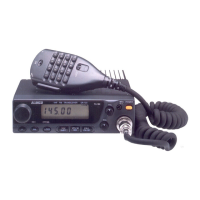
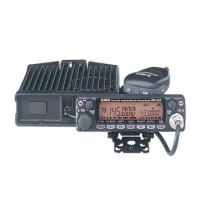
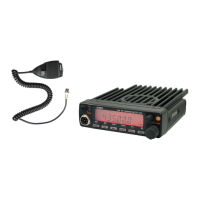
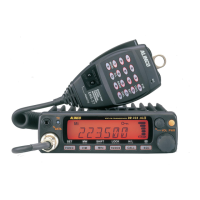
2) Adjustment for DR130
SSG Mod:1KHz +/-3.5KHz/DEV
SP terminal is connected to 8ohm dummy load.
RX speaker output level is 50 to 100mW
1. Power supply voltage is 13.8V. Power switch is off.
2. Turn the squelch and volume knobs counterclockwise.
3. Press and hold the "F"key,then turn on the power switch.
The display shows that the frequency is 145.00MHz
PLL Adjustment
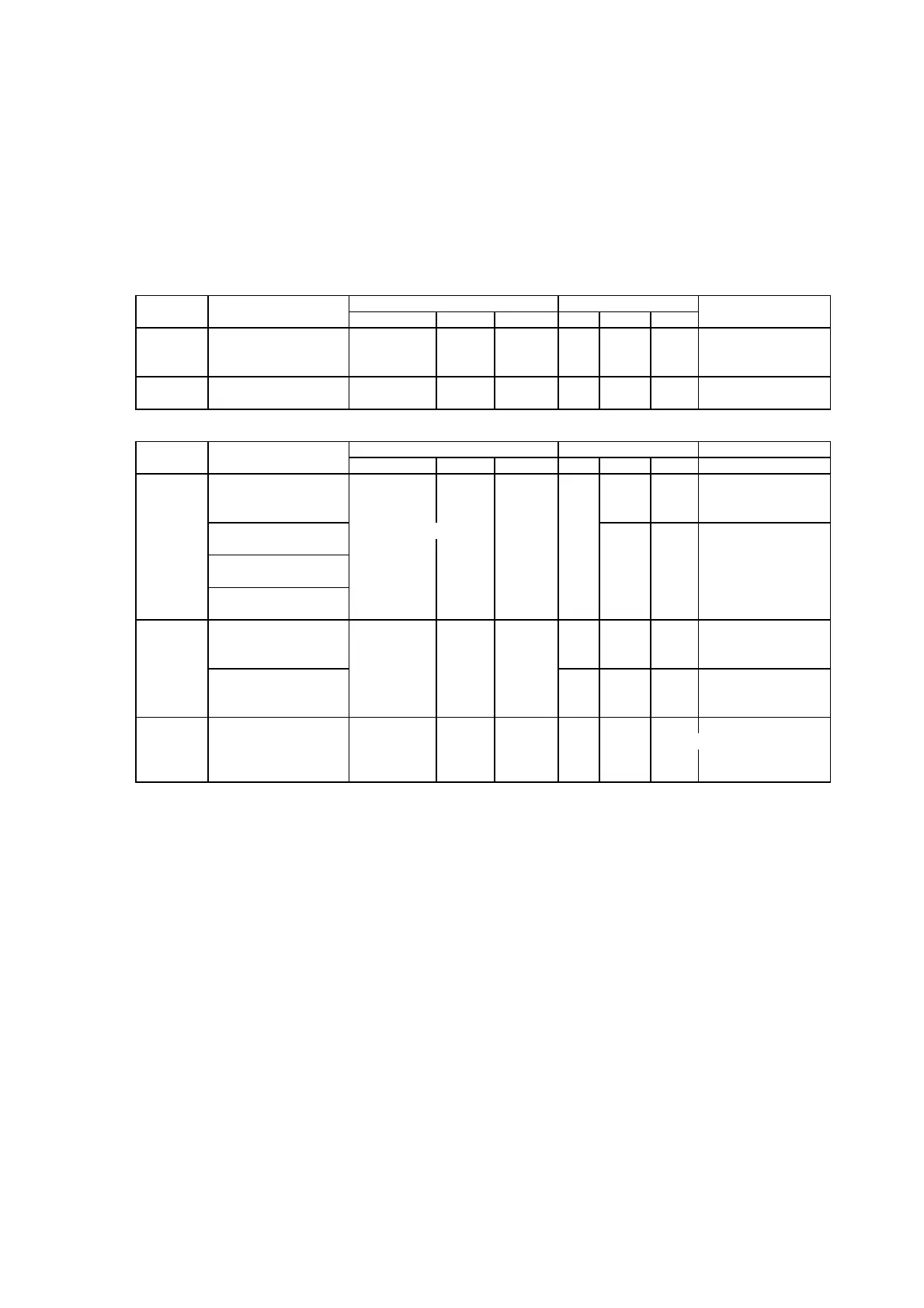
Condition Measurement Adjustment Specification/
Item Test equipmen Unit Terminal Unit Parts Method Remarks
Frequency Frequency:145.00MHz Freq.Counter 145.00 +/- 100Hz
power: Low *1 Power Meter Back ANT MAIN TC1 MHz
PTT: ON
PLL VCO Frequency:145.00MHz Digital Main SD PLL L302 2.0V 1.8-2.2V
PTT: OFF *1 Multimeter VCO Check 0.7-1.0V
RX Adjustment (ALL SSG out =EMF)
Condition Measurement Adjustment Specification/
Item Test equipmen Unit Terminal Unit Parts Method Remarks
Frequency:145.03MHz L4-L6 SINAD: Turn the coil L14,
SSG out:0dBu *1 L14 MAX L4,L5,L6,L4,L5 to
SSG the MAX in order
RX Frequency:145.03MHz Distortion Meter
Sensitivity SSG out:-10dBu *1 Main TP1 Main SINAD is above12dB
Frequency:134.00MHz Check
SSG out:-2.0dBu *2
Frequency:174.00MHz
SSG out:-2.0dBu *3
Frequency:145.03MHz Full
S Meter SSG out: 15dBu *1 Main VR5 flashing
Mod: OFF LCD S Meter Front
Frequency:145.03MHz Panel
SSG out:0dBu *1 Check S Meter does not
Mod: OFF light.
Frequency:145.03MHz Front Make
SQL SSG out:-10dBu *1 LCD Busy Panel Main sure that
SQL is Busy ON
SQL VR:Threshold open
*1 or bond-center of your radio version
*2 or bond lower limit of your radio version
*3 or bond upper limit of your radio version
Page-28


 To Next Page
 Loading...