·
Getting Started
l 17
l 26
Installing Battery l 31
Display Message Guide l 33
Troubleshooting Guide l 38
Specications l 39
Performance Characteristics l 40
Explanation of Symbols l 41
·
Before Testing
·
Performing the Blood Glucose Test with GlucoDr SuperSensor
TM
·
Using the Meter Memory Function
·
Setting the Meter
·
Caring for GlucoDr SuperSensor
TM
Meter
·
Additional Information
Table of Contents
Entering the EVENT RECORD MODE l 21
Understanding Your Test Results l 23
Recalling the Previous Test Results l 24
Checking the Code Number l 06
Checking Your System with GlucoDr SuperSensor
TM
Control Solution l 09
Preparing the Lancing Device l 14
GlucoDr SuperSensor
TM
Blood Glucose Monitoring System l 01
GlucoDr SuperSensor
TM
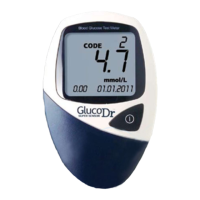
Meter l 02
GlucoDr SuperSensor
TM
Meter LCD Display l 04
GlucoDr SuperSensor
TM
Test Strip l 05


 To Next Page