Copyright © 1998 General Motors Corp. 5–1
WTEC II ELECTRONIC CONTROLS TROUBLESHOOTING MANUAL
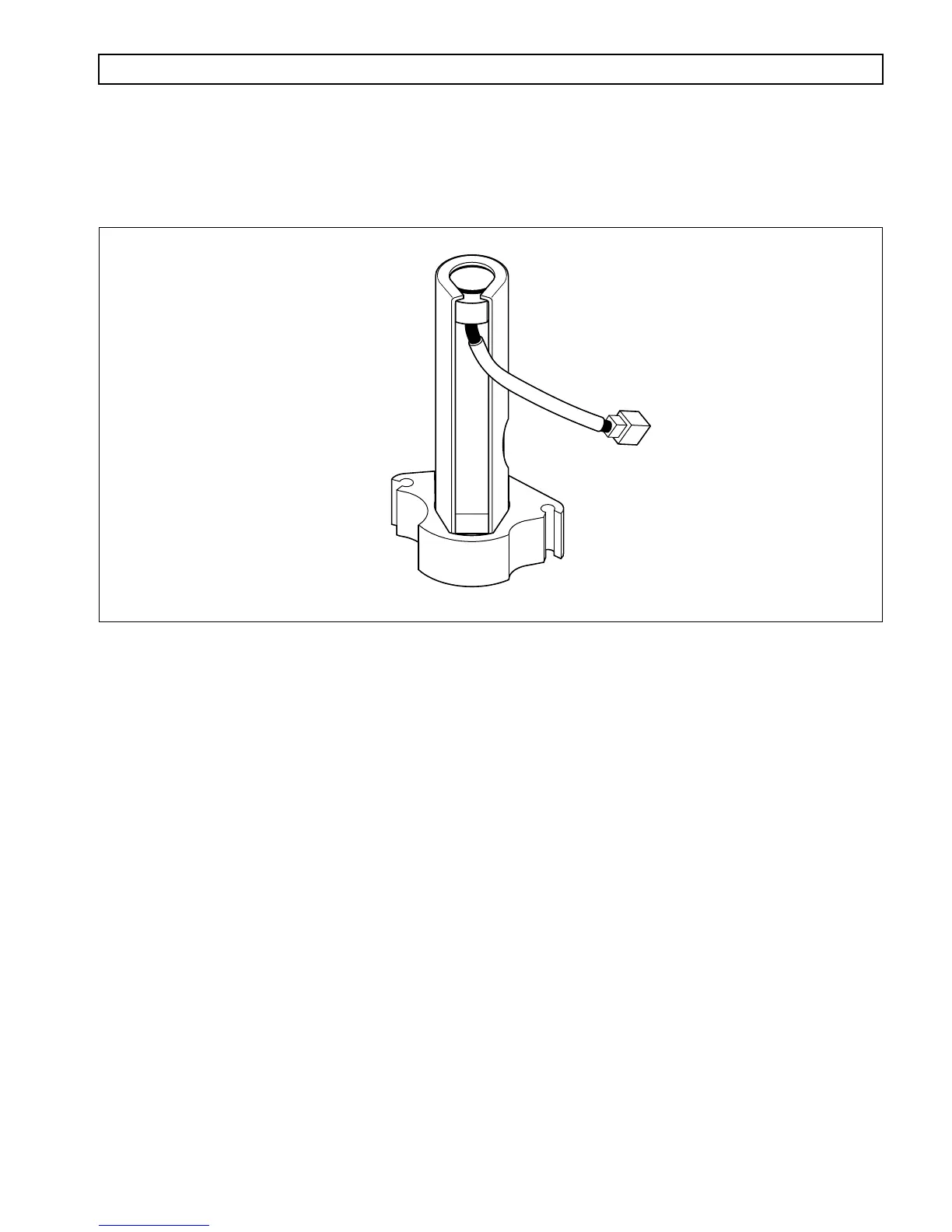
The Oil Level Sensor (Figure 5–1) provides a means of electronically checking the transmission fluid level from
the shift selector display, the Pro-Link
®
9000 diagnostic tool, or a custom-furnished remove display.
Figure 5–1. Oil Level Sensor
5–1. ELECTRONIC FLUID LEVEL CHECK (SHIFT SELECTOR)
NOTE: The Pushbutton and Lever shift selectors can display two characters at one time. One character is
displayed under the SELECT label and one under the MONITOR label. The strip pushbutton shift
selector uses illuminated pushbuttons and tones to convey fluid level information.
A. Fluid Level Check Procedure
1. Park the vehicle on a level surface and shift to
N
(Neutral). Apply the parking brake.
2. On the Pushbutton shift selector, simultaneously press the
⇑ (
Up
)
and
⇓ (
Down
)
arrow buttons once.
3. On the Lever shift selector, press the
DISPLAY MODE
button once.
4. For a strip pushbutton shift selector, go directly to Step 11.
NOTE: The ECU may delay the fluid level check until the following conditions are met:
•
The fluid temperature is above 60°C (140°F) or below 104°C (220°F).
•
The transmission is in neutral.
•
The vehicle has been stationary for approximately two minutes to allow the fluid to settle.
•
The engine is at idle (below 1000 rpm — not “fast” idle).
A delayed fluid level display is signaled by sequentially illuminated segments of the digital display
under the SELECT display and a countdown from 8 to 1 under the MONITOR display.
V03353
S
ECTION
5 — OIL LEVEL SENSOR



 To Next Page