User Manual
Page 5
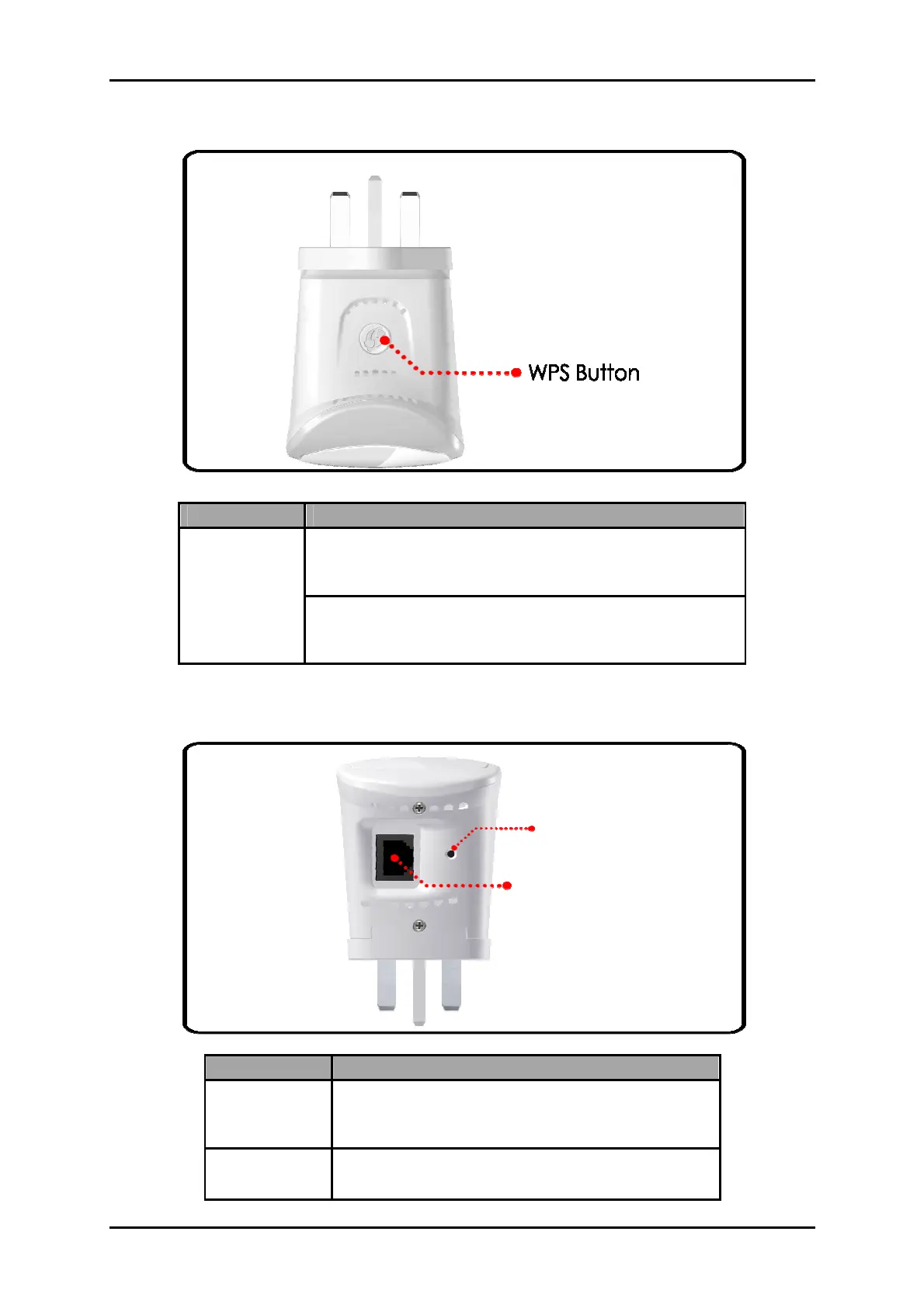
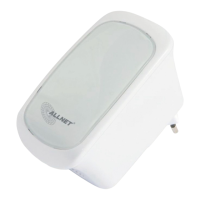
Top Panel
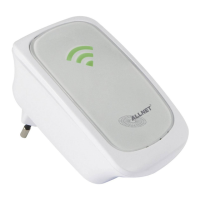
Bottom Panel
LABEL DESCRIPTION
WPS Button
Press this button for 2 seconds to connect
theALL0238RD to any WPS capable devices
(Wireless Device)
Press this button for 5 seconds to connect the
ALL0238RD to any WPS capable devices
(Wireless Router)
LABEL DESCRIPTION
RESET
Press the Reset button for 30 seconds to
restore the device to default factory
settings
ETHERNET
PORT
Connect to computers/Ethernet devices
Ethernet Port
Reset Button


 To Next Page