Allora 2
45
10.2.5 Acceptance delay
To prevent accidental key strokes, for example as a result of a
tremor, you can set this parameter to specify how long a key must
be held before it will be accepted.
Important notice!
These last two parameters can, when they are set to a certain
value, give the impression that the Allora has stopped
responding. Therefore keep in mind that if these delays are set
to a specific time, the keyboard will respond slowly.
10.3 Scanning
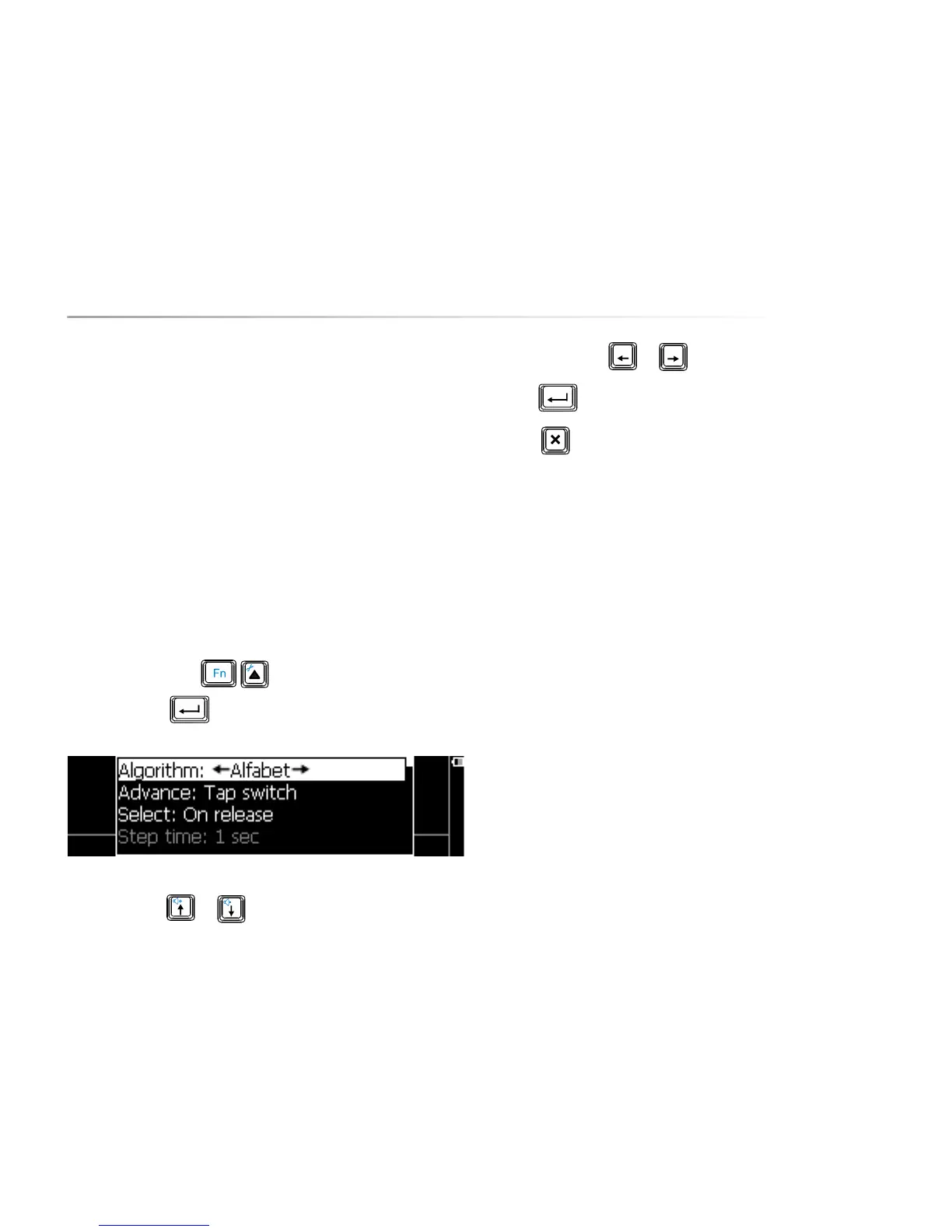
Press the key combination to show the settings menu, choose
Scanning and press . The following list appears on the screen:
Use the arrow keys or to choose a parameter.
Use the arrow keys
or to change the value of a parameter.
Press to open a submenu, if available.
Press to leave a submenu.
The following overview explains the different parameters:
10.3.1 Algorithm
This parameter sets the algorithm that will be used to step through
sequences. If you have a QWERTY keyboard, it's may be appropriate to choose
Qwerty, however you can also use a different algorithm: Alphabet. This
algorithm will not scan through the rows of the keyboard but it uses a more
efficient sequence of characters and functions.
10.3.2 Advance
Set this parameter to Automatic when using 1 switch. The consecutive
sequences will be shown automatically at a set rhythm (the Step time).
When using 2 switches this parameter should be set to Tap switch.
This means that the Allora will show the next sequences when you activate
switch 1. When the character or the sequence of characters in which the
character that you need appears, press switch 2 to make the selection.
10.3.3 Select
The parameter Select allows you to decide whether you select by pressing (On
press) or by releasing the switch (On release) or by holding the switch for a
specific time. Setting a hold time allows you to avoid unwanted key strikes.


 To Next Page
 Loading...