Allora 2
49
10.6.2 Add word
Select this parameter to add a new word to the prediction database. Press the
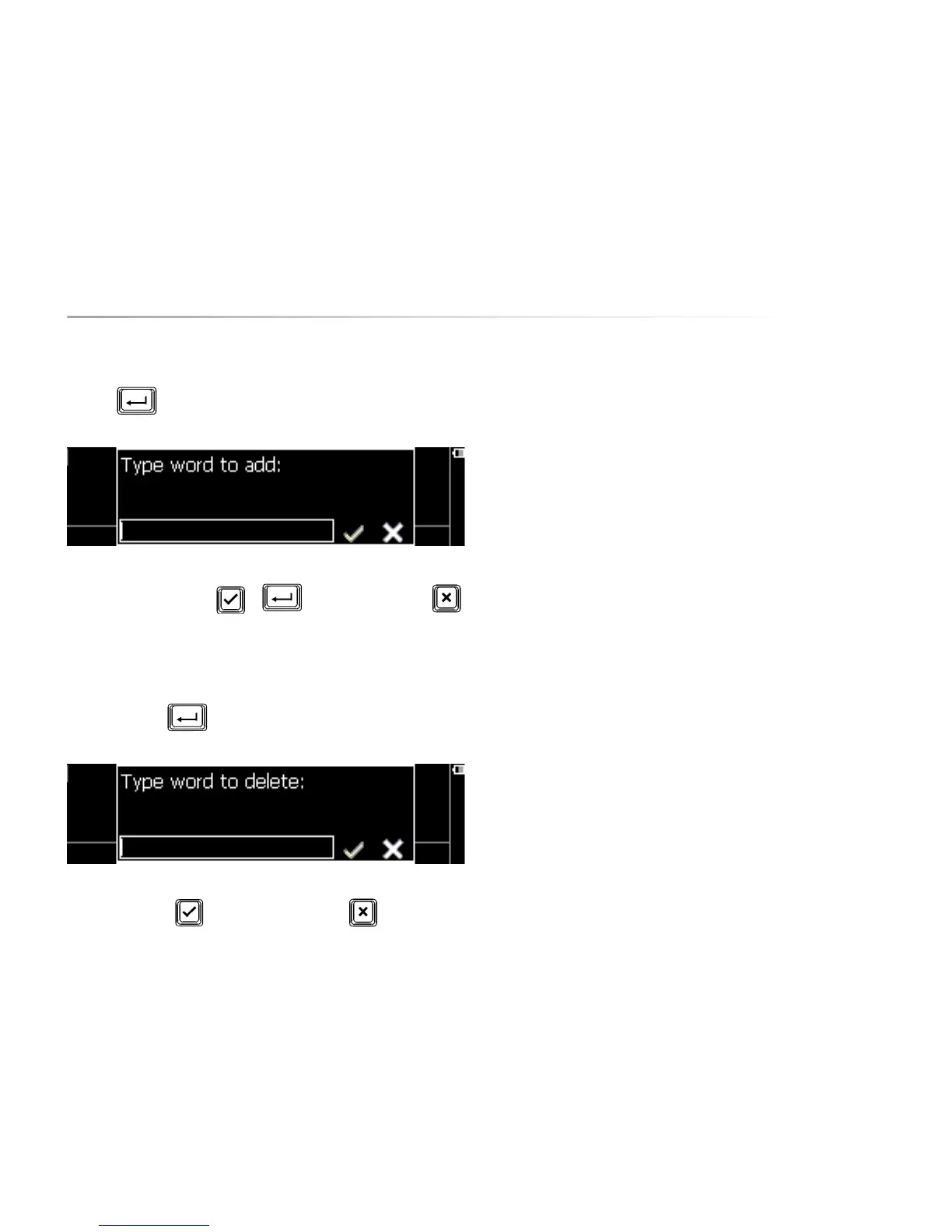
Enter key . The following window will appear on your screen:
Type the word that you want to add to the word prediction database.
Confirm with the Validate key or discard your action with .
10.6.3 Remove word
Select this parameter to remove a word from the word prediction database.
Press the Enter key . The following window will appear on your screen:
Type the word that you want to remove from to the list of predictions. Confirm
with the Validate key or discard your action with .
10.6.4 Auto learn
This parameter determines whether or not the Allora automatically adds new
words to the word predictions database.
‘Off’ means that no new words should be added to the database
‘Words’ means that the Allora automatically adds the words you are typing to the
database. If the word already exists then its frequency (the probability that the
word is typed) will be adapted.
‘Frequencies’ means that the Allora only adjusts the frequencies of the words
and the word pairs of existing database entries.
’All’ means that the Allora automatically adds new words to the database and
also adjusts frequencies of existing database entries.
10.6.5 Case sensitive
When set, the word prediction takes uppercase into account. When ‘off’,
uppercase does not influence the prediction.
10.6.6 Maximum repetitions
This parameter specifies how often a prediction is being repeated in the
displayed word list before it is replaced by another prediction.


 To Next Page
 Loading...