Allora 2
50
10.6.7 Punctuation adjustment
When this parameter is set, a space will automatically be added after a
punctuation mark.
10.7 Date/time
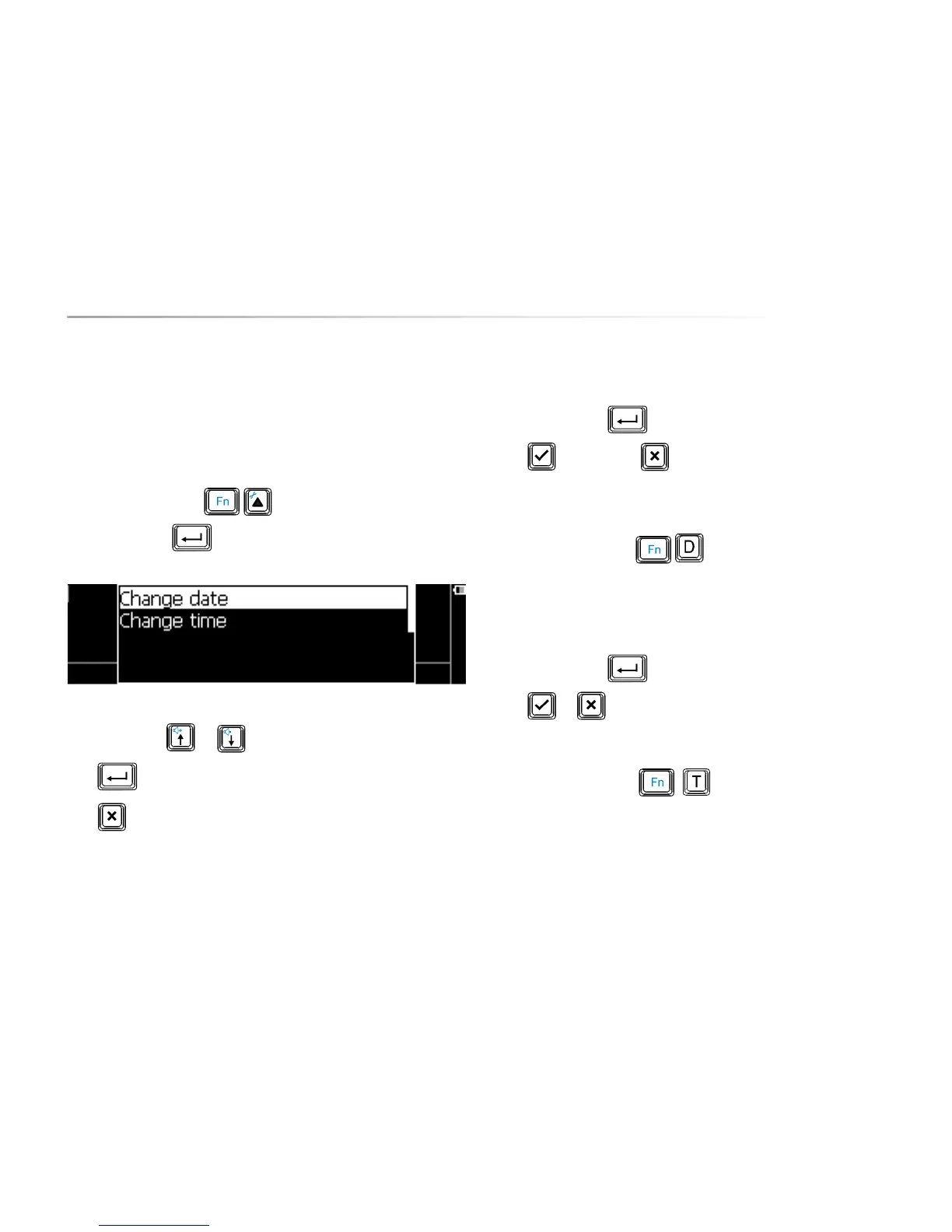
Press the key combination to show the settings menu, choose
Date/time and press . The following list appears on the screen:
Use the arrow keys or to choose a parameter.
Press to open a submenu, if available.
Press to leave a submenu.
The following overview explains the different parameters:
10.7.1 Change date
Press the enter key , and specify the year. Confirm with the Validate
key or discard with . Follow the same procedure to fill in the month
(1-12) and the day (1-31). You will hear a short sound at the end of the
procedure.
Use the key combination to hear the date. The date will also be
displayed on the screen.
10.7.2 Change time
Press the enter key , and specify the hour. Confirm with the Validate
key or discard with . Follow the same procedure to Specify the
minutes. You will hear a short sound at the end of the procedure.
Use the key combination to hear the time. The time will also be
displayed on the screen.


 To Next Page
 Loading...