Allora 2
52
10.9 General
The general settings specify the menu language, power management, favorite
applications…
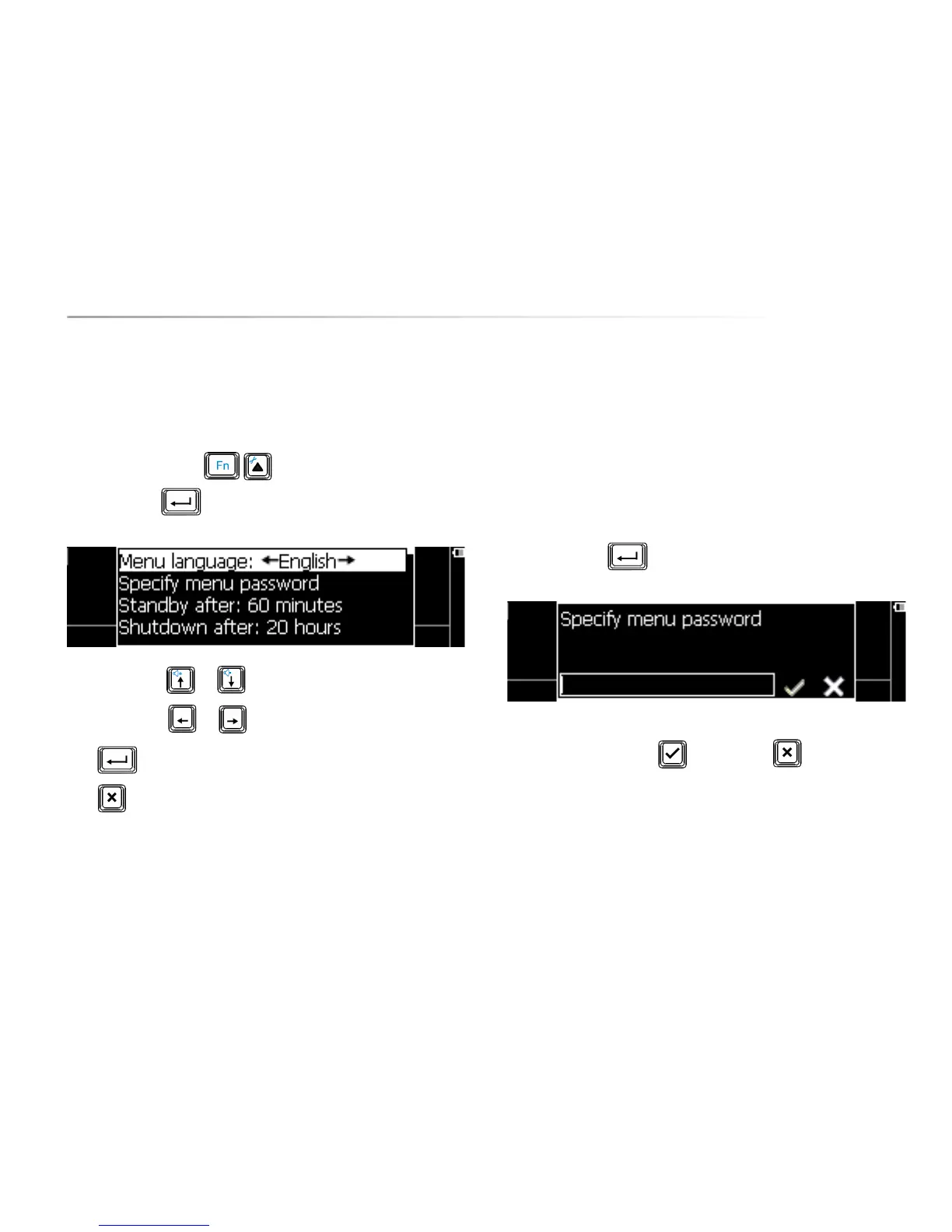
Press the key combination to show the settings menu, choose
General and press . The following list appears on the screen:
Use the arrow keys or to choose a parameter.
Use the arrow keys
or to change the value of a parameter.
Press to open a submenu, if available.
Press to leave a submenu.
The following overview explains the different parameters:
10.9.1 Menu language
This parameter allows you to set the language of the menu.
10.9.2 Specify menu password
Set a password to prevent unauthorized access to the settings menu. If a
password is set, you will be asked for the password each time you want to get in
to the settings menu.
Press the Enter key to specify the password.
Confirm with the Validate key or discard with .
How to remove your password?
When you are in the settings menu you can remove the current password as
follows: select item ’General’ and then ’Specify menu password’. Validate
without filling in any character. Now you can enter the settings menu without
password.


 To Next Page
 Loading...