Firmware Upgrade Method of all All Winner A10 Tablet PC – www.w2comp.com
Pick up your best Android Tablet on W2COMP.com –
www.w2comp.com
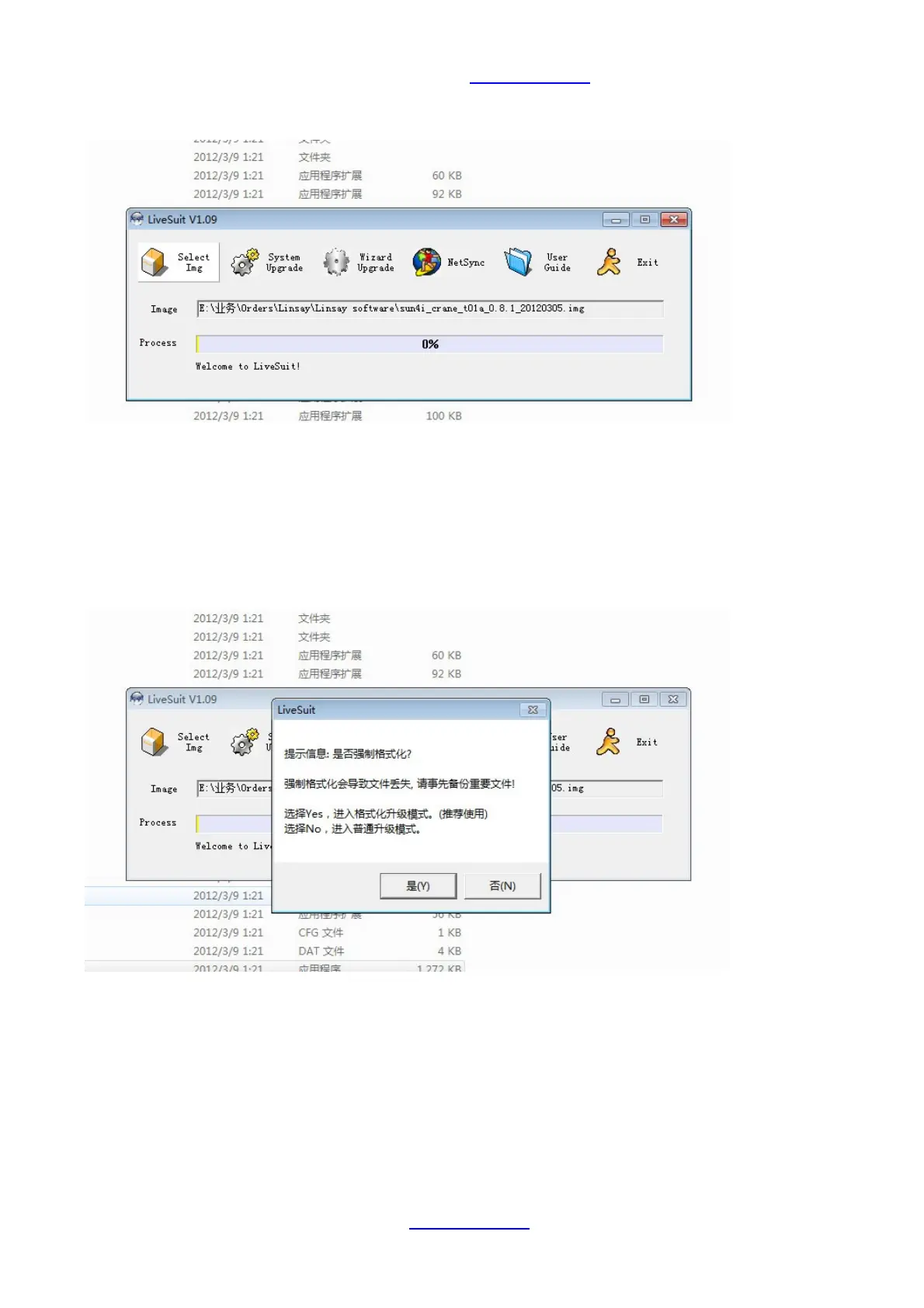
7. Click “ SelectImg” and select the firmware which you want to installed to your tablet PC.
8. Then, you can connect one top of the cable to your computer.
8.1 And, please press and hold your finger on the volume button, please do not loose until the upgrade started
8.2 Connect the another top of cable to your device. Please note that the finger on the volume button still press
there
8.3 Please use your another finger to press the power button four or five times until below picture appear in
your computer , please choose “Yes” to format the device. Then the upgrade started.



 To Next Page