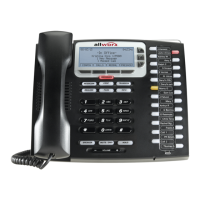
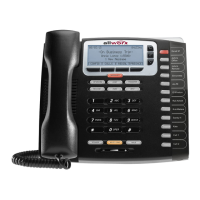
9212 Template Instructions
300 Main Street • East Rochester, NY 14445 • Toll Free 1-866-ALLWORX • 585-421-3850 • www.allworx.com
© 2008 Allworx Corp. All rights reserved. Allworx is a registered trademark of Allworx Corp. All other names may be trademarks or registered
trademarks of their respective owners.
Revised: January 18, 2008
Page 1
Instructions
1. Open the attached document "Allworx
®
9212 Phone Label Template"
2. Left mouse click in the cell you want to edit.
3. Type the information to be contained in that cell. You can type one or two lines of text. The text will be left
justified on the vertical axis and center justified on the horizontal axis (meaning if you enter only one line of
text it will be centered to the PFK).
4. Repeat steps 2 thru 4 for as many cells as you want to enter text for.
5. Print the finished template.
6. Cut out the template by following the inside lines (arcs and notches).
7. Remove the line label cover (clear piece) from your 9212 phone.
8. Place the line label you created into the clear line label cover.
9. Snap the cover with the line label installed back into the phone.


 To Previous Page