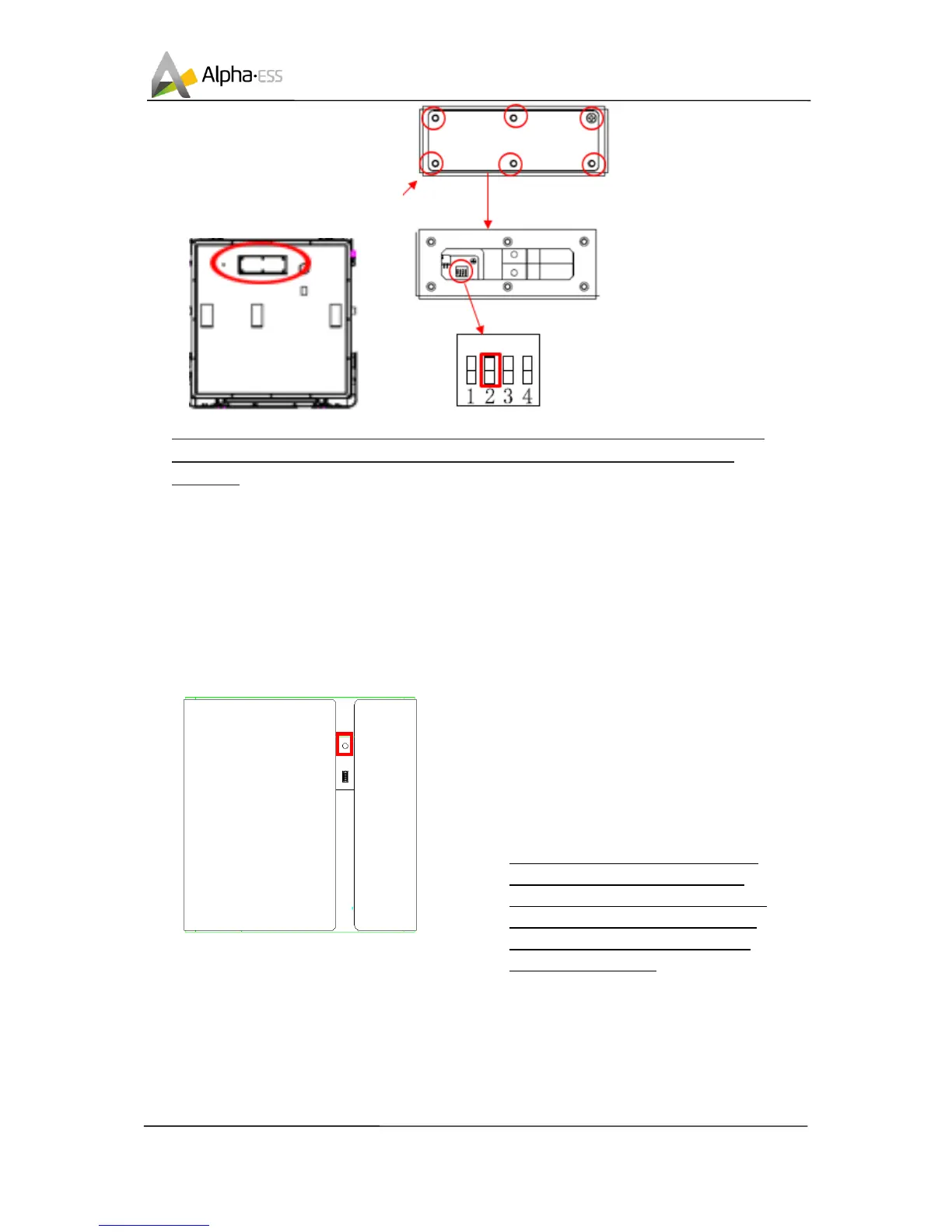
NOTE: if you use AlphaESS storage system please set the DIP switch 2 to “on” of the
bottommost module .if you only use battery set the DIP switch 4 to “on” all the
batteries.
3. Switch On/Off and Display
3.1 Switch On/Off
System shall be turned on in the correct sequence to avoid any damage.
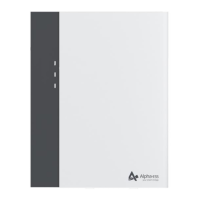
Switch on, pressing the power button
for about 2-4 seconds. The BMS will
start up. The LCD display and power
button will light up as well.
Switch off, pressing the power button
for >5 seconds, Turns off battery
modules.
NOTE: when the battery is working
pressing the power button for <5
seconds, LCD display will light up for
30 seconds. Power button must be
press in 30 seconds when you use
more than 1 battery.


 To Next Page