EasyManua.ls Logo

ALPHA-GDH TD-4257 - User Manual

Default Icon
39 pages
Go to English
Print Icon
To Next Page IconTo Next Page
Loading...
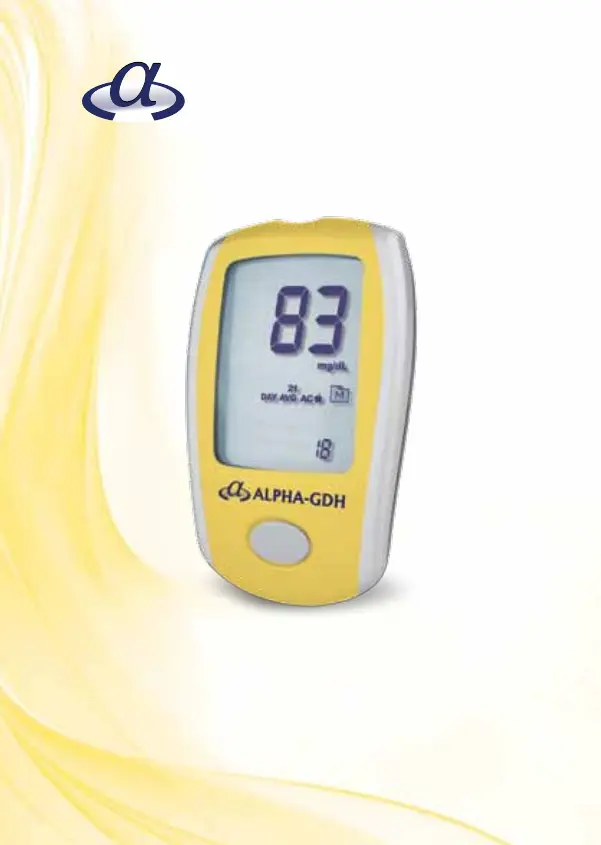
TD- 4257
Gebrauchsanweisung
Owner’s manual
Blutzucker-Messsystem
Blood Glucose Monitoring System
ALPHA-GDH

Table of Contents

Questions and Answers

  • R
    rmooreAug 9, 2025
    What to do if the ALPHA-GDH TD-4257 Blood Glucose Meter test does not start after applying the sample?
    • T
      Tiffany JonesAug 10, 2025
      If the test doesn't start after applying the sample, it could be due to several reasons. First, ensure you are using enough blood; try repeating the test with a new test strip and a larger blood sample. Another possibility is a defective test strip, so try again with a new one. Also, make sure to apply the sample only when the flashing symbol appears on the display, as the meter automatically switches off after 2 minutes of inactivity.
  • B
    brookehopkinsAug 26, 2025
    How to fix ALPHA-GDH TD-4257 if it does not display a message after inserting a test strip?
    • A
      Anna EvansAug 26, 2025
      If your meter isn't displaying a message after inserting a test strip, the first thing to check is the batteries; they may be exhausted and need replacement. Another common issue is the test strip being inserted incorrectly. Make sure you insert the test strip with the contact bars end first and facing up.

ALPHA-GDH TD-4257 Specifications

General IconGeneral
ModelTD-4257
BrandALPHA-GDH
Test Time5 seconds
Sample TypeCapillary whole blood
Sample Volume0.5 µL
Power Source2 x AAA batteries
Operating Temperature10-40°C (50-104°F)
Operating Humidity10 - 90% RH
DisplayLCD
Memory500 results
Measuring Range20 - 600 mg/dL (1.1 - 33.3 mmol/L)