4
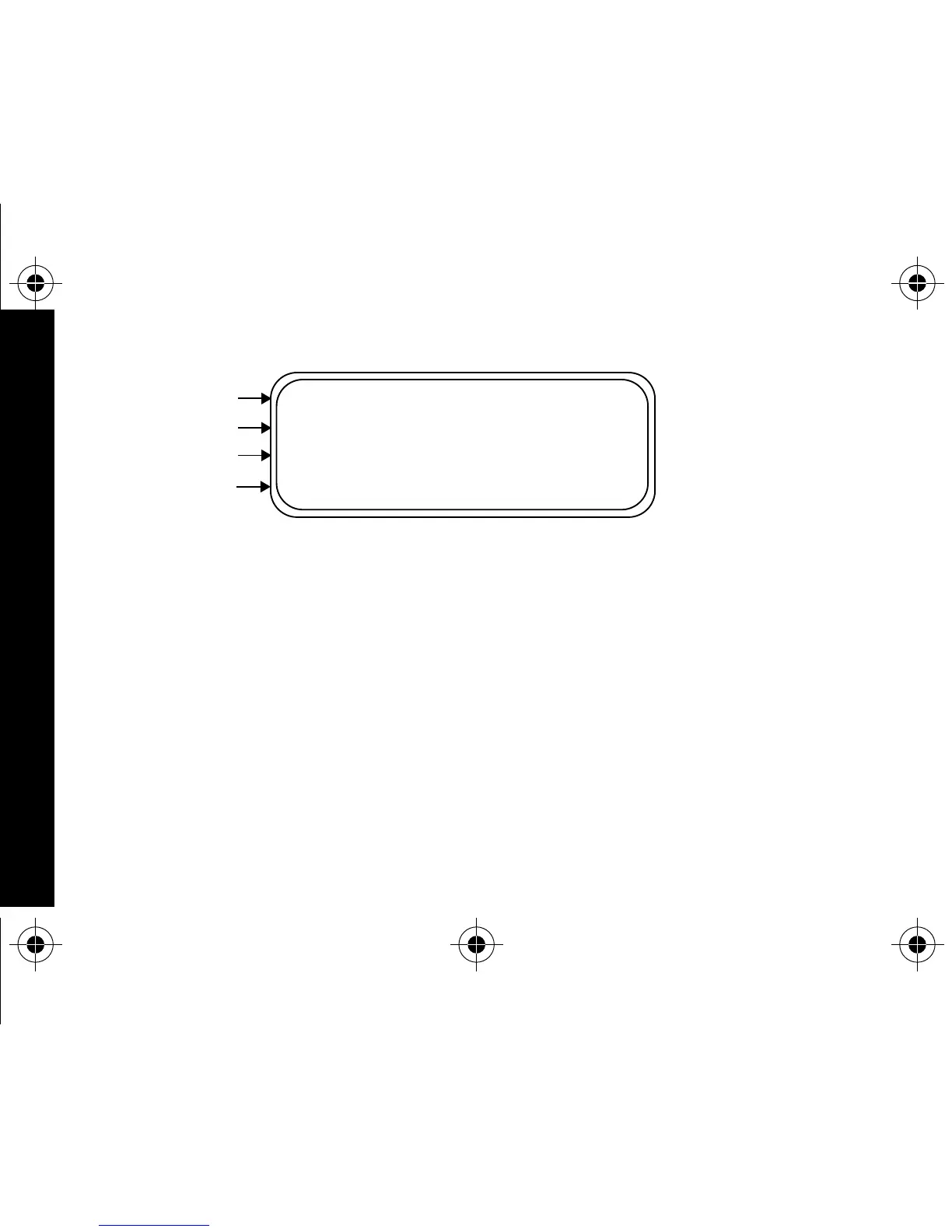
When the pager is on and no activity is taking place, the Standby screen is
displayed. The Standby screen displays the power-on indicator
N
and may
display other pager status indicators.
Turning Your Pager Off
➊
Press
K
to display the Function menu.
➋
Press
H
to move the cursor to
q
.
➌
Press
K
.
TURN PAGER OFF?
is displayed.
➍
Press
K
again to turn the pager off.
Your pager is now off and the screen is blank.
Example of the Standby Screen
_
N
P
Q
Private Time
Power On
Audible
Alarm
GETTING STARTED
1029B40Book Page 4 Tuesday, September 2, 1997 10:49 AM



 To Next Page