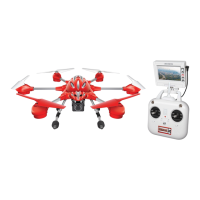
LIVE FEED VIDEO SCREEN / RECORDING VIDEO CONTINUED
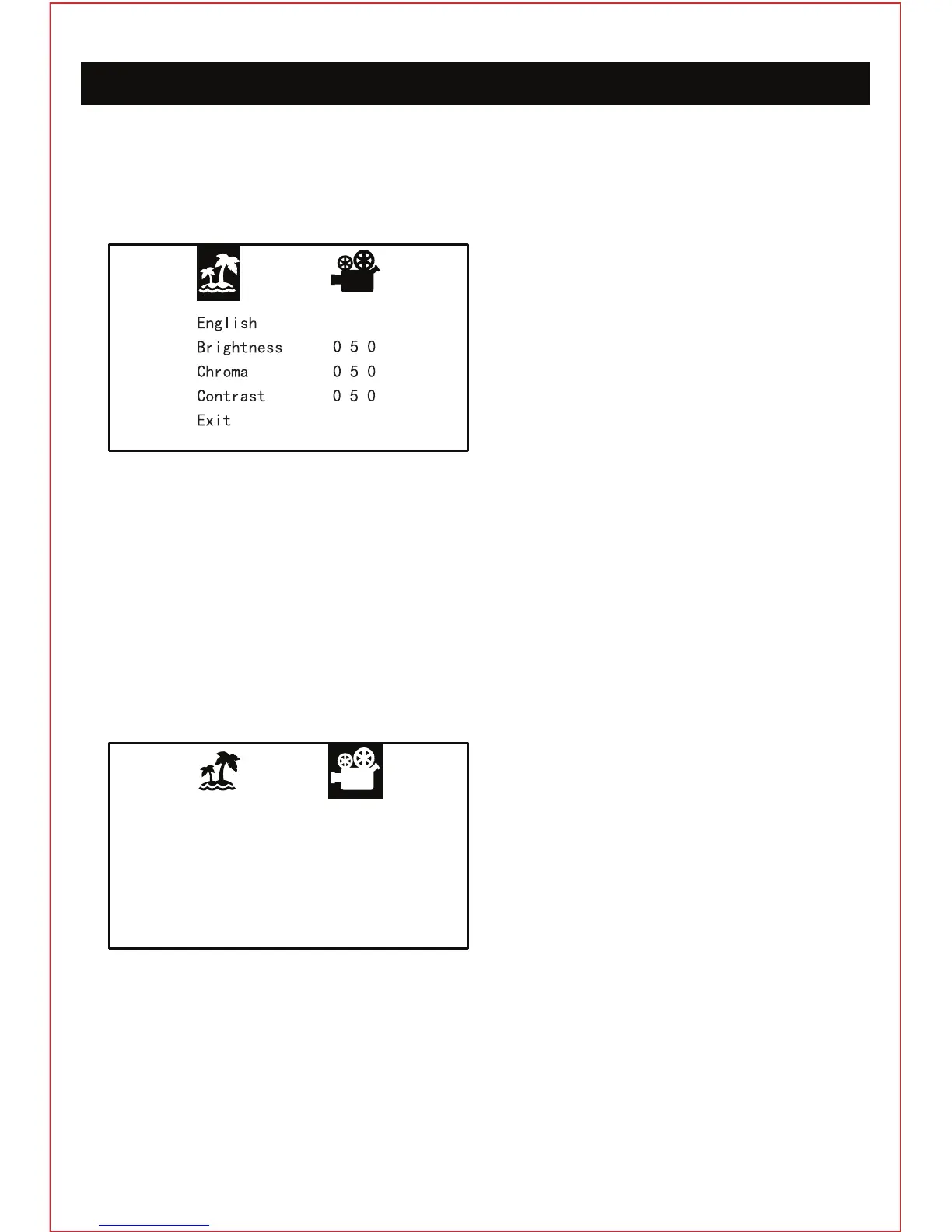
Pressing the menu button on the live feed video screen will bring up the menu screen. Press
the up and down button on the screen to cycle between adjusting the screen and playback
options. Press the enter button to select that section of options.
Play
Format
Exit
SCREEN ADJUSTMENT OPTIONS
PLAYBACK OPTIONS
ENGLISH: Language option. Highlight this
option and press enter to select the language
option. Press the up and down button to cycle
between the different languages you can
have the menu in. Press enter to select the
language you would like to use.
PLAY: Playback option. Highlight this option
and press enter to select the playback option.
Press the up and down button to cycle
between the different videos you have
recorded onto the mini memory card. The
videos will automatically start playing when
cycling through the videos, press the enter
button to pause/play the video. Keep in mind
the camera does not record audio.
CHROMA: Screen color saturation option. Highlight this option and press enter to select the
chroma option. Press the up and down button to adjust the screen color saturation. The higher
the number the more saturated the colors will appear on the screen. 100 is the max and 0 is
the minimum. Default is set at 50.
CONTRAST: Screen contrast option. Highlight this option and press enter to select the
contrast option. Press the up and down button to adjust the screen contrast. The higher the
number the more contrast you will see on the screen. 100 is the max and 0 is the minimum.
Default is set at 50.
FORMAT: Mini memory card format option. Highlight this option and press enter to select the
format option. WARNING: formatting the mini memory card will erase all the data that is stored
on the card to the factory default setting.
EXITING THE MENU: To exit the menu just highlight exit and press enter, or just press the
menu button once.
BRIGHTNESS: Screen brightness. Highlight
this option and press enter to select the
screen brightness option. Press the up and
down button to adjust the screen brightness.
The higher the number the brighter the screen
will be. 100 is the max and 0 is the minimum. Default is set at 50.


 To Next Page
 Loading...