13
14. Wall Mounting
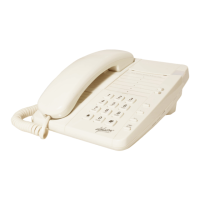
You may wish to mount the NR202 Memoryphone on a wall.
To do this:
- Slide the plastic “wall mount” upwards to remove, turn it around and replace it in the
slot.
- The Handset will then stay in the cradle when the telephone is on the wall.
- Position two screws into the wall at a distance of 10cm apart.
- Ensure that the screw heads are 5mm for the wall.
- Place the telephone on the screws using the keyhole slots on the rear of the
telephone.



 To Next Page