(4) Press .
To lock or unlock a message while reading it, follow steps 2 through 4 above while the
message is displayed.
2.8 Deleting Message
This feature allows you to delete unlocked and un-alarmed messages.
2.8.1 Delete a Single Message
(1) From the Message-status screen, Press ▲ , ▼ to select the message you want to
delete.
(2) Press .
(3) Press ▼ to move the cursor to .
(4) Press DELETE MESSAGE? is displayed..
(5) Press again to delete the message.
2.8.2 Delete All Unlocked, Un-alarmed and Read Messages
(1) From the Function menu, Press ▼ to move the cursor to .
(2) Press , DELETE ALL MESSAGES? is displayed.
(3) Press . All unlocked, un-alarmed and read message are deleted.
Note: Notebook messages are not deleted with this feature.
2.9 Pager Alarm
Your pager has an alarm that can be set for a specific time and date, or a specific time
on a daily basis.
At the selected alarm time, your pager alerts.
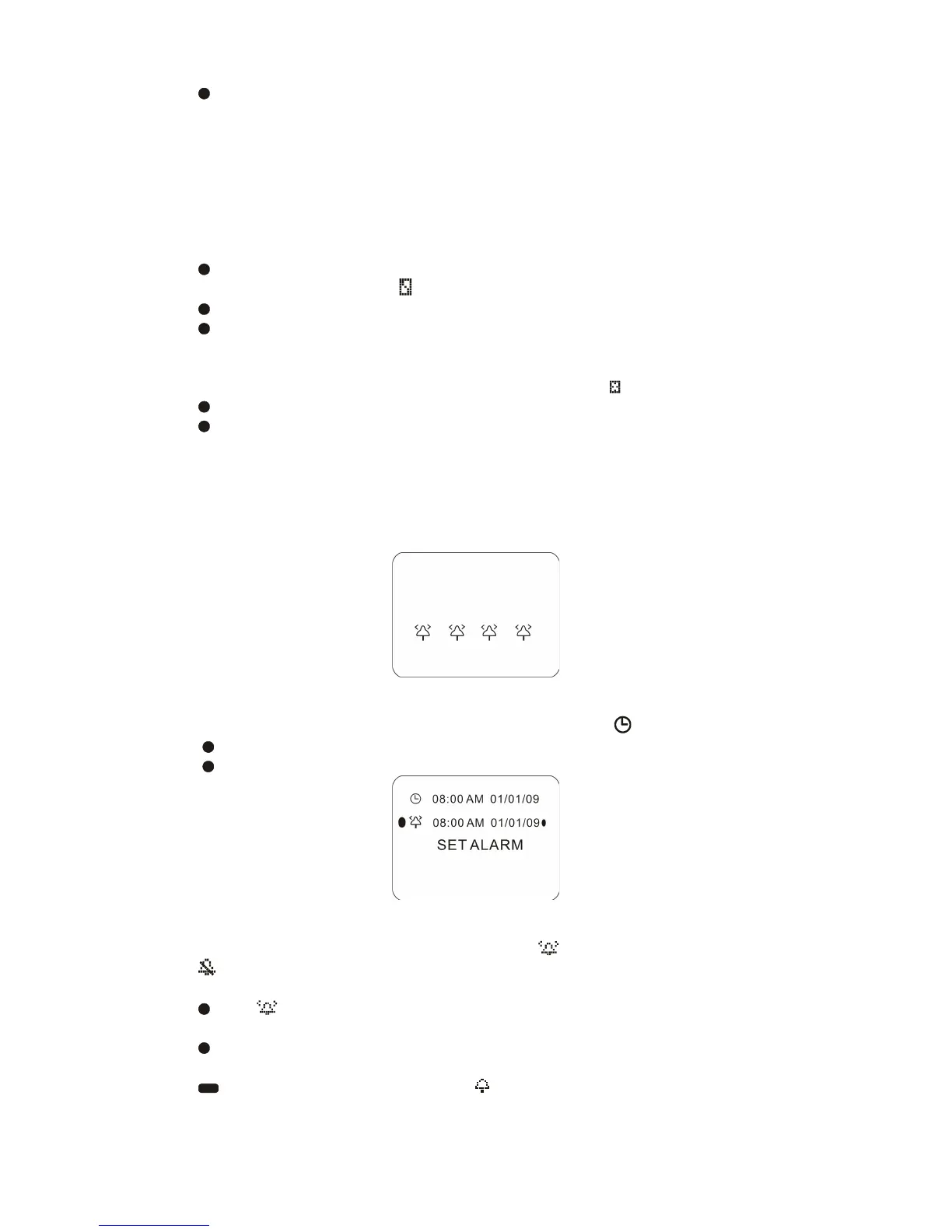
Example of Set-Alarm working screen
2.9.1 Set a One-Time Alarm
(1) From the Function menu, press ▲ to move the cursor to .
(2) Press . The Set-time screen is displayed.
(3) Press . The Set-alarm screen is displayed.
Example of Set-Alarm screen for a Specific Time and Date
The alarm symbol shows the current alarm status. is displayed if the alarm is
enabled, is displayed if the alarm is disabled.
(4) Press ▼ to move the cursor to the alarm symbol.
(5) Press until is displayed.
(6) Press ▼ to move the cursor to the hour digits.
(7) Press adjust the hour digits.
(8) Repeat steps 6 and 7 to adjust the minutes, AM/PM/24 hr., and date.
(9) Press to activate your selection. The symbol is displayed on the Standby
screen.



 To Next Page