072-0500 Alphasense User Manual
OPC-R1 Optical Particle Counter Issue 1
Alphasense Ltd Page 10 of 33 February 2019
Sensor Technology House, 300 Avenue West, Skyline 120, Great Notley. Essex.CM77 7AA. UK
Tel: +44 (0) 1376 556700 - Fax: +44 (0) 1376 335899
Email: sensors@alphasense.com - Web: www.alphasense.com
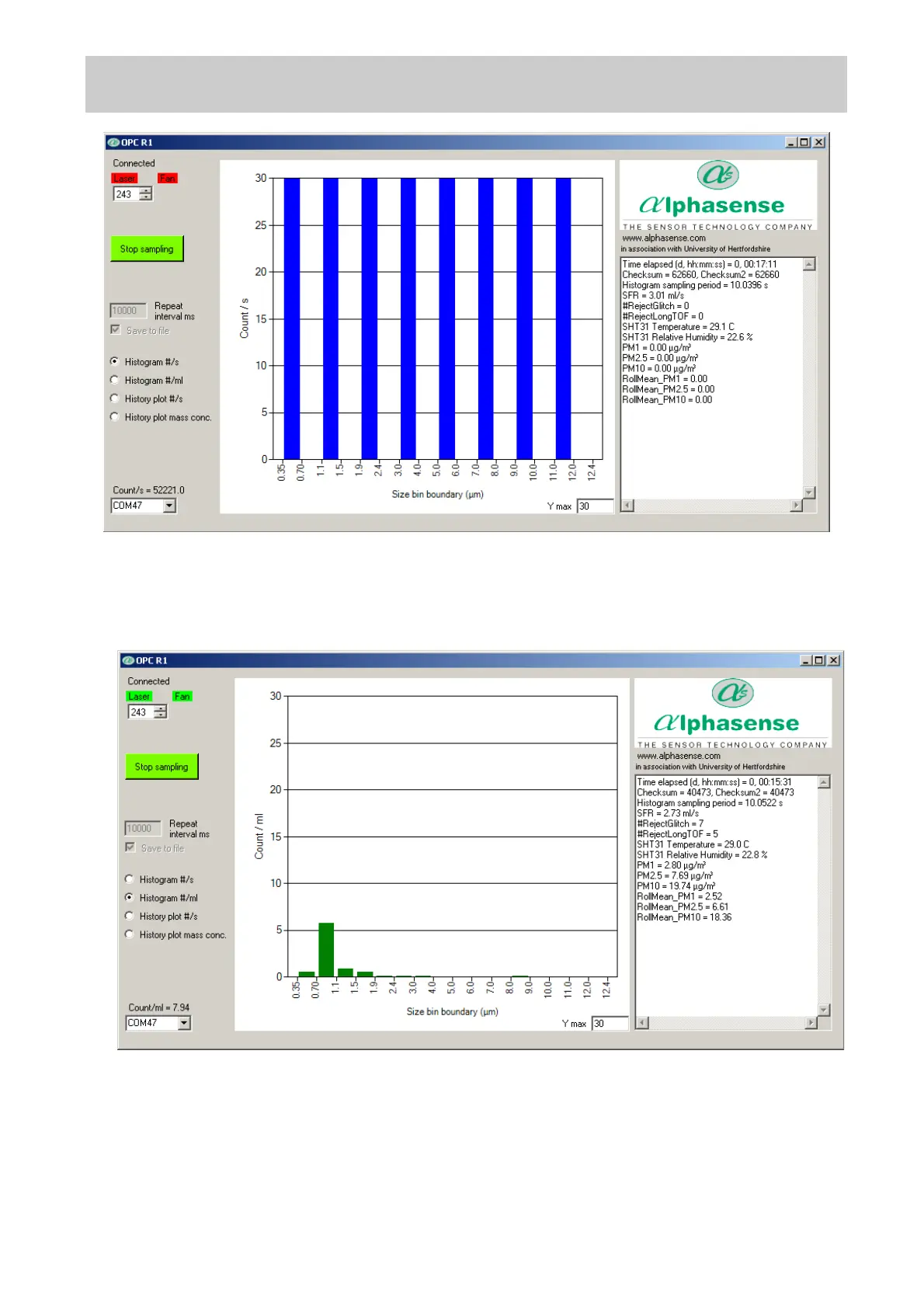
Histogram Number Concentration vs Particle Size display mode
Click the ‘Histogram #/ml’ button on the left-hand side of the screen to show the recorded data in
particle number concentration (particles per millilitre of sampled air) format, as below:
History Plot of Counts/s display mode
Click the ‘History plot #/s’ button on the left-hand side of the screen to show a temporal record of the
particle count rate since the start of the sampling session. The plot scale will automatically change
to show longer recording time periods and/or increasing Counts/ s.


 To Next Page
 Loading...