EasyManua.ls Logo

alphatronics R-15eWDSB - User Manual

alphatronics R-15eWDSB
44 pages
Go to English
Print Icon
To Next Page IconTo Next Page
Loading...
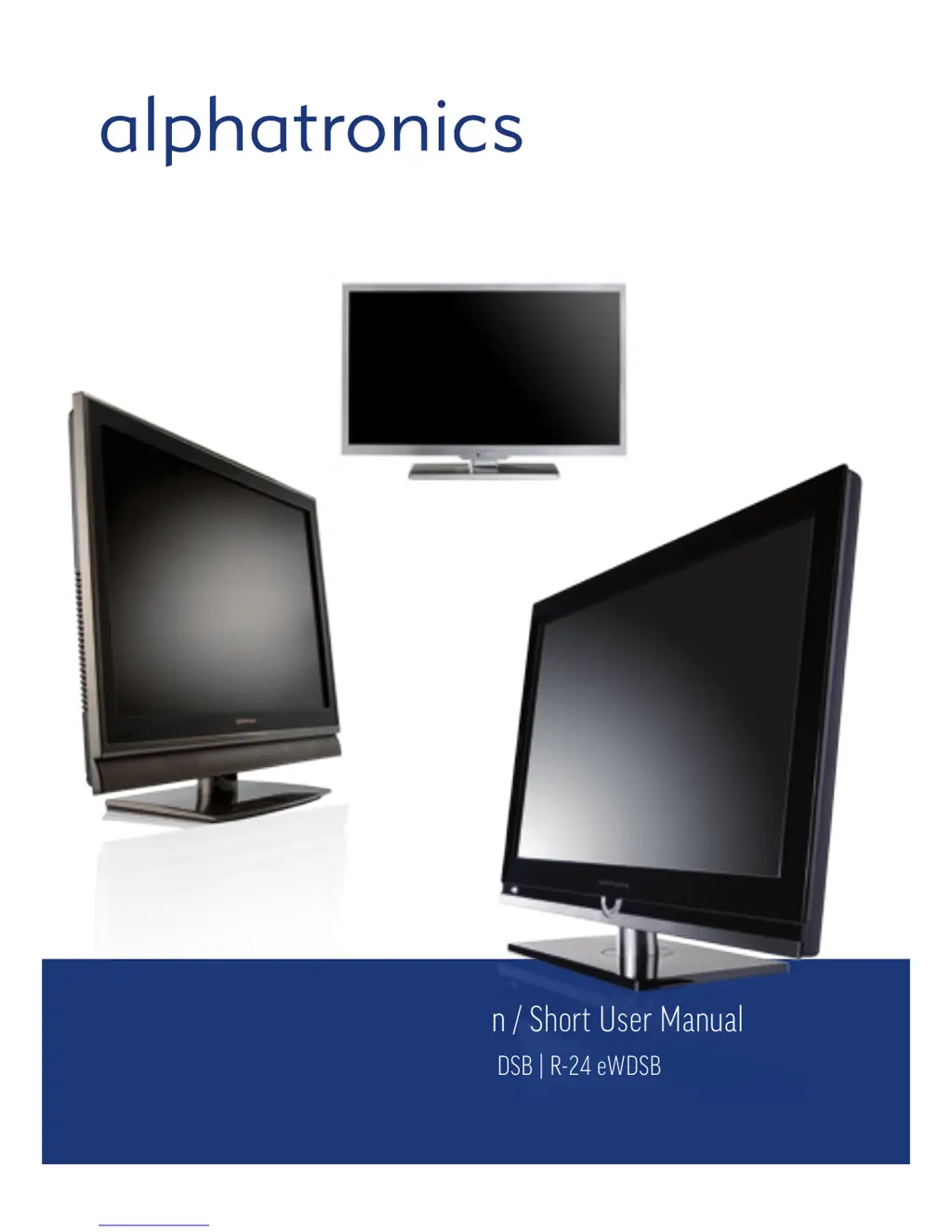
Bedienungsanleitung – Kurzversion / Short User Manual
Modell R-15 eWDSB | R-19 eWDSB | R-22 eWDSB | R-24 eWDSB
S-17 eSHB | S-19 eSHB | S-22 eSHB
T-19eWSB | T-22eWSB
www.alphatronics.de
Hergestellt in Deutschland

Questions and Answers

  • M
    Mark MooreAug 15, 2025
    How to fix inoperative alphatronics R-15eWDSB remote control?
    • D
      Dr. Samantha WeissAug 15, 2025
      If your alphatronics LCD TV remote control isn't working, first, try moving the unit to another location to eliminate any light or obstacle interference with the remote control signal. If that doesn't work, replace the batteries with new ones.
  • B
    Bryan HuangAug 18, 2025
    Why my alphatronics R-15eWDSB LCD TV has no picture on the screen?
    • M
      Mark ChapmanAug 18, 2025
      If your alphatronics LCD TV shows no picture, ensure that the power is turned on. Also, adjust the brightness and contrast settings. Check the input signal of the TFT-LCD/LED and the power connection to the unit with the screen. Finally, verify the Main Display selection.
  • T
    Timothy BaxterAug 22, 2025
    What to do if my alphatronics R-15eWDSB LCD TV has no sound?
    • W
      wendysheltonAug 22, 2025
      If your alphatronics LCD TV has no sound, begin by checking the speaker line connections. If the connections are fine, the sound might be muted, so try adjusting the volume.
  • R
    Raymond Green PhDAug 25, 2025
    Why is the image on my alphatronics R-15eWDSB fuzzy?
    • J
      jennifer30Aug 25, 2025
      If the picture on your alphatronics LCD TV is fuzzy, it could be due to a failing power supply. Try connecting the unit to another power outlet. Also, move the unit away from magnetic equipment such as Wireless Receivers or AC Transformers.
  • P
    Paula JonesAug 27, 2025
    How to improve poor picture and sound on alphatronics R-15eWDSB?
    • R
      Richard BarnesAug 27, 2025
      If your alphatronics LCD TV exhibits poor picture reception or sound quality, select the appropriate setting in TV mode and rerun the AUTO SEARCH channel.
  • P
    Paul WilliamsAug 30, 2025
    Why are the colors distorted on my alphatronics R-15eWDSB?
    • B
      brianramseyAug 30, 2025
      If the colors on your alphatronics LCD TV are distorted, check that the video cable is plugged in securely.
  • D
    Dr. Justin JimenezSep 3, 2025
    Why only one speaker operates on my alphatronics LCD TV?
    • J
      Jacob WilliamsSep 3, 2025
      If only one speaker is working on your alphatronics LCD TV, check the audio wire connections with the source device. Also, ensure that the unit’s speaker wires are securely connected.
  • A
    alexis80Sep 5, 2025
    How to improve picture clarity on alphatronics R-15eWDSB LCD TV?
    • D
      davidsandersSep 5, 2025
      If the picture on your alphatronics LCD TV is not clear, ensure that the video cable is properly plugged in.
  • B
    Brent MannSep 9, 2025
    What causes screen bouncing on alphatronics LCD TV?
    • C
      Charles WeaverSep 9, 2025
      If the screen of your alphatronics LCD TV bounces or has wavy oscillations, check the video input range (V-sync Max. 75Hz, H-sync Max.48.08KHz). Also, make sure the video cable connections are secure.
  • J
    Juan YatesSep 12, 2025
    What to do when alphatronics R-15eWDSB LCD TV fails?
    • C
      christopherchenSep 12, 2025
      If all else fails with your alphatronics LCD TV, pull out the AC plug, wait for one minute, and then plug the power back in.

Summary

Introduction and Safety Tips

Safety Guidelines

Crucial safety instructions for optimal TV usage and handling.

Environmental and Handling Precautions

Guidelines for operating the TV in suitable environments and safe transportation.

Power Supply and Ventilation

Proper power connection and air circulation to prevent damage and fire hazards.

Control Locations and Functions

R-Line and T-Line Controls

Identifies buttons and terminals for R-Line/T-Line models.

S-Line Controls

Identifies buttons and terminals for S-Line models.

Device Terminals Explained

R-Line;T-Line Panel Connections

Details rear and side panel input/output terminals for R-Line/T-Line.

Troubleshooting Common Issues

Common TV Problems and Solutions

Table of issues like no picture, fuzzy image, no sound, and their fixes.

alphatronics R-15eWDSB Specifications

General IconGeneral
Brandalphatronics
ModelR-15eWDSB
CategoryLCD TV
LanguageEnglish

Related product manuals