EasyManua.ls Logo

alphatronics SL-19 SB+ - User Manual

alphatronics SL-19 SB+
72 pages
Go to English
Print Icon
To Next Page IconTo Next Page
Loading...
www.alphatronics.de
Hergestellt in Deutschland
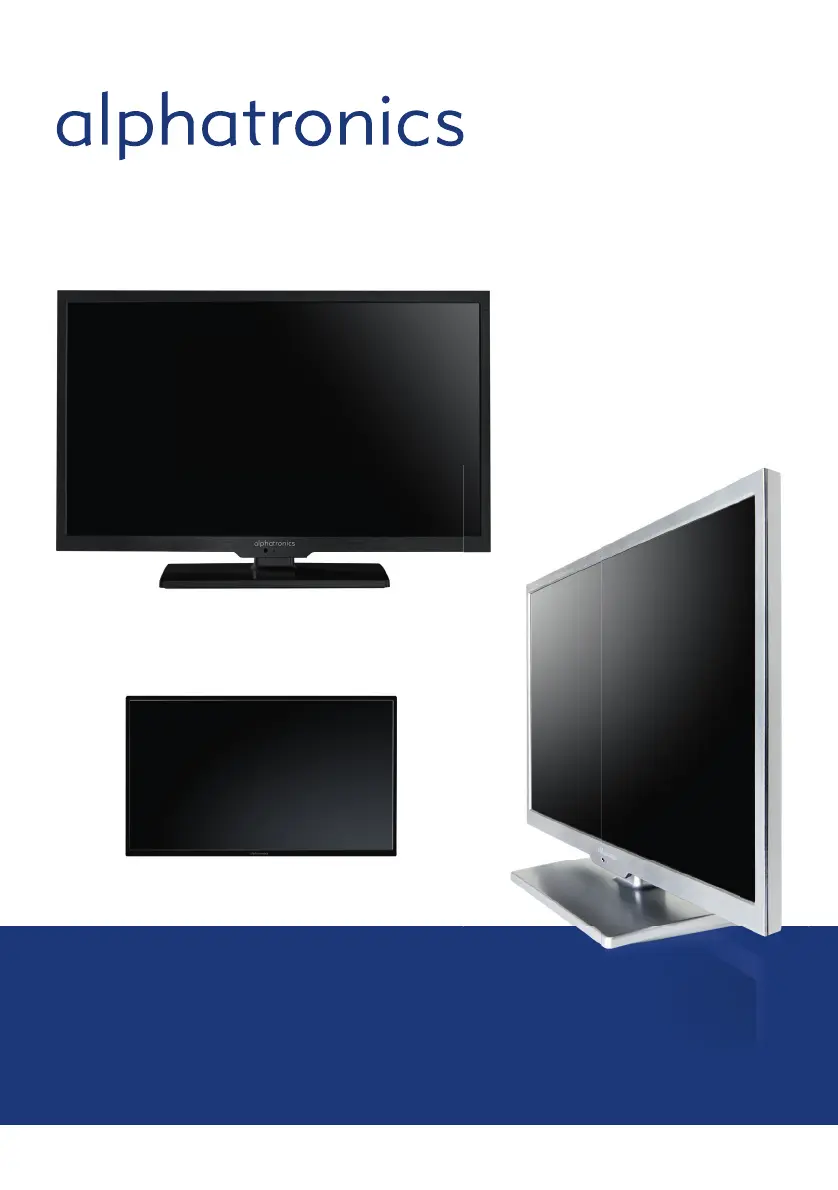
Bedienungsanleitung – Kurzversion / Short User Manual
Modell SL-19 SB+ | SL-22 SB+ | SL-24 SB+ | SL-19 DSB+ | SL-22 DSB+ | SL-24 DSB+
SL-32 DSB+ | S-40 DSB+ | S-32 DSB+ | T-19 SB+ | T-22 SB+
alphatronics_BDA_Kurzversion_SL+_T+_DE_EN_2019_KL3.indd 1 09.04.19 12:34

Questions and Answers

  • J
    Jessica MeltonAug 13, 2025
    How to fix no picture on alphatronics SL-19 SB+ LCD TV?
    • E
      Eileen HortonAug 13, 2025
      If your alphatronics LCD TV shows no picture on the screen, ensure that the power is turned on. Also, try adjusting the brightness and contrast settings. Check the input signal and the power connection to the unit. Finally, verify the Main Display selection.
  • B
    bsolomonAug 17, 2025
    What to do if alphatronics SL-19 SB+ LCD TV remote control is not working?
    • J
      Jasmin CunninghamAug 17, 2025
      If the remote control of your alphatronics LCD TV is inoperative, check for any light or obstacles interfering with the remote control signal, and try moving the unit to another location. If that doesn't work, replace the batteries with new ones, as the old ones may be dead.
  • L
    Latoya MossAug 21, 2025
    How to troubleshoot no sound on alphatronics LCD TV?
    • V
      Veronica MartinezAug 21, 2025
      If your alphatronics LCD TV has no sound, check the speaker line connections. If the connections are fine, the sound might be muted, so try adjusting the volume.
  • J
    Jennifer WilliamsAug 25, 2025
    How to improve poor picture and sound quality on alphatronics SL-19 SB+?
    • G
      guerrasarahAug 25, 2025
      To improve poor picture reception or sound quality on your alphatronics LCD TV, go to TV mode, select the appropriate setting, and rerun the AUTO SEARCH channel function.
  • H
    Henry LeonardAug 28, 2025
    Why is the image on my alphatronics LCD TV fuzzy?
    • A
      Allen AlvarezAug 28, 2025
      If the image on your alphatronics LCD TV is fuzzy, it could be due to a failing power supply. Try connecting the unit to another power outlet. Also, move the unit away from magnetic equipment like wireless receivers or AC transformers.
  • J
    Jason RhodesSep 1, 2025
    Why does only one speaker operate on my alphatronics SL-19 SB+?
    • S
      Sarah MorrowSep 1, 2025
      If only one speaker is working on your alphatronics LCD TV, check the audio wire connections with the source device and make sure the unit’s speaker wires are securely connected.
  • G
    Grant DelgadoSep 5, 2025
    What causes screen bounces on alphatronics LCD TV?
    • E
      Edward HerreraSep 5, 2025
      If the screen of your alphatronics LCD TV bounces or has wavy oscillations, check the video input range (V-sync Max. 75Hz, H-sync Max.48.08KHz) and ensure that all video cable connections are secure.
  • K
    Kathy SmithSep 8, 2025
    How to reset alphatronics LCD TV when all else fails?
    • G
      Gregory BakerSep 8, 2025
      If all else fails with your alphatronics LCD TV, unplug the AC power cord, wait for one minute, and then plug it back in.

Summary

Safety and Device Introduction

Safety Guidelines

Essential safety precautions for using the TV set.

Environmental and Usage Conditions

Specifies permissible environments and conditions for TV operation.

Power Supply and Air Circulation

Guidance on power connection, ventilation, and preventing overheating.

Controls and Connectivity

TV Controls and Button Functions

Details physical buttons on the TV for different models.

Remote Control Functions

Comprehensive guide to remote control buttons and their operations.

Setup and Menu Operations

Initial Setup and Channel Selection

Steps for powering on, choosing channels, and selecting input sources.

Installation and Support

Troubleshooting Common TV Issues

Solutions for no picture, fuzzy image, no sound, and other problems.

alphatronics SL-19 SB+ Specifications

General IconGeneral
Resolution1366 x 768 pixels
Aspect Ratio16:9
Brightness250 cd/m²
Contrast Ratio1000:1
HDMI Ports1
USB Ports1
HD TechnologyHD Ready
Speakers2 x 3W
Screen Size19 inches
InputsHDMI, VGA, USB

Related product manuals