TMX-R1000 / TMX-R1000P ONWERS MANUAL
2. DVD PLAYER CONTROL: Front Key Control and Remote Control
Please refer to ALPINE DVD Player/ALPINE DVD Changer/ALPINE DVD Head Unit
Operation Manual in detail.
DVD
(SETUP) (V.EQ) (SETUP)
(MUTE)
OHM
TV-T
ENT
REMOTE CONTROL
a. MENU Button
1
2
3
4
5
6
SETUP
ENT
TOP.M
MENU
DVD
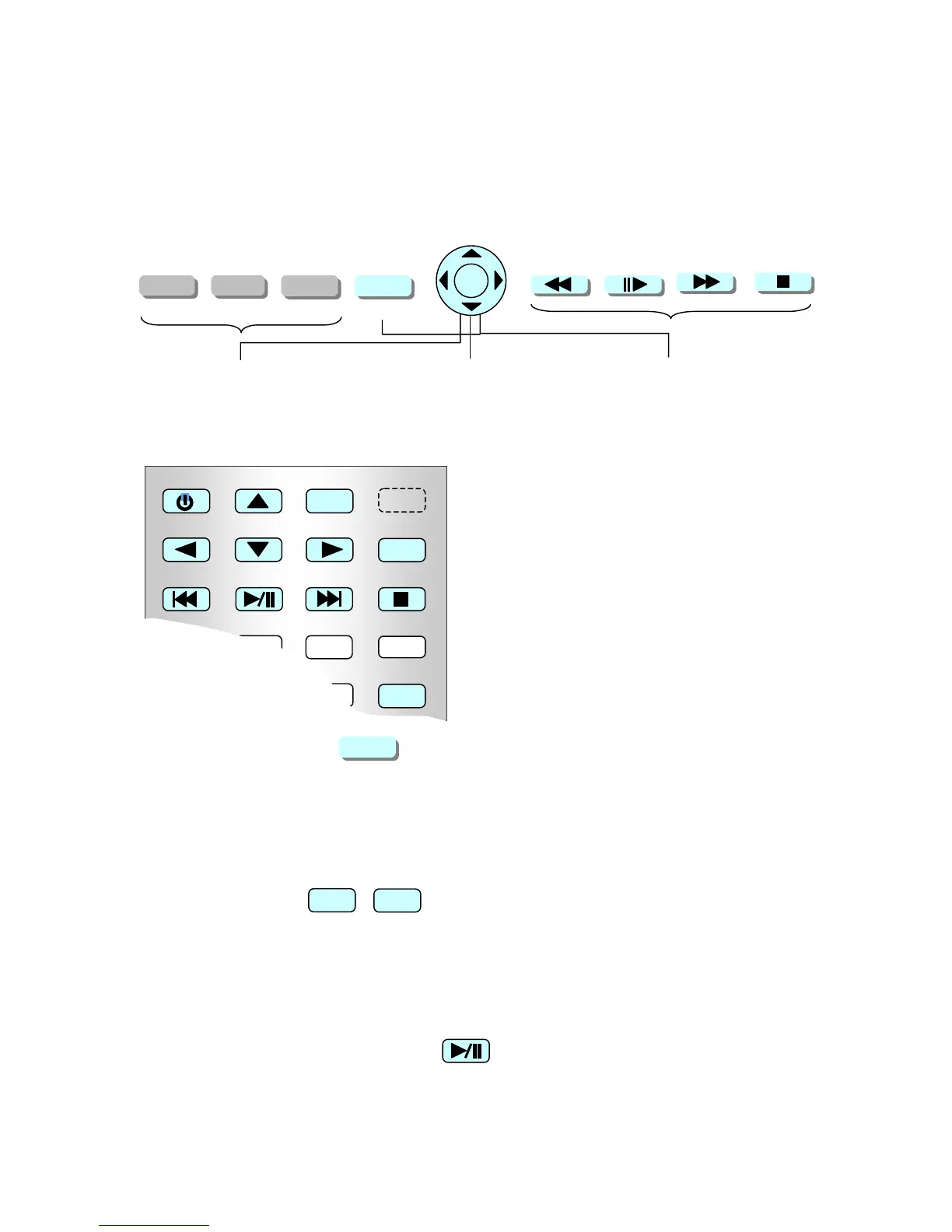
Front Key Control
Press MENU Key Button, it shows the DVD Menu. To control them, uses 4
directional keys and ENT key.
Press and Hold MENU Key Button, it shows the DVD SETUP Menu. To control
them, uses 4 directional keys and ENT key.
Remote Control
Press MENU Key Button, it shows the DVD Menu. To control them, uses 4
directional keys and ENT key.
When DVD is stopped. Press SETUP Key Button, it shows the DVD SETUP Menu.
To control them, uses 4 directional keys and ENT key.
b. PLAY and PAUSE button
Press this button, it plays movie or music. Press this button again it pauses.
SETUP
MENU
Revision 3 Date 3/16/05



 To Next Page