EasyManua.ls Logo

Alpine 1310R - Page 24

Alpine 1310R
29 pages
Print Icon
To Next Page IconTo Next Page
To Previous Page IconTo Previous Page
Loading...
~
OPERATION
|
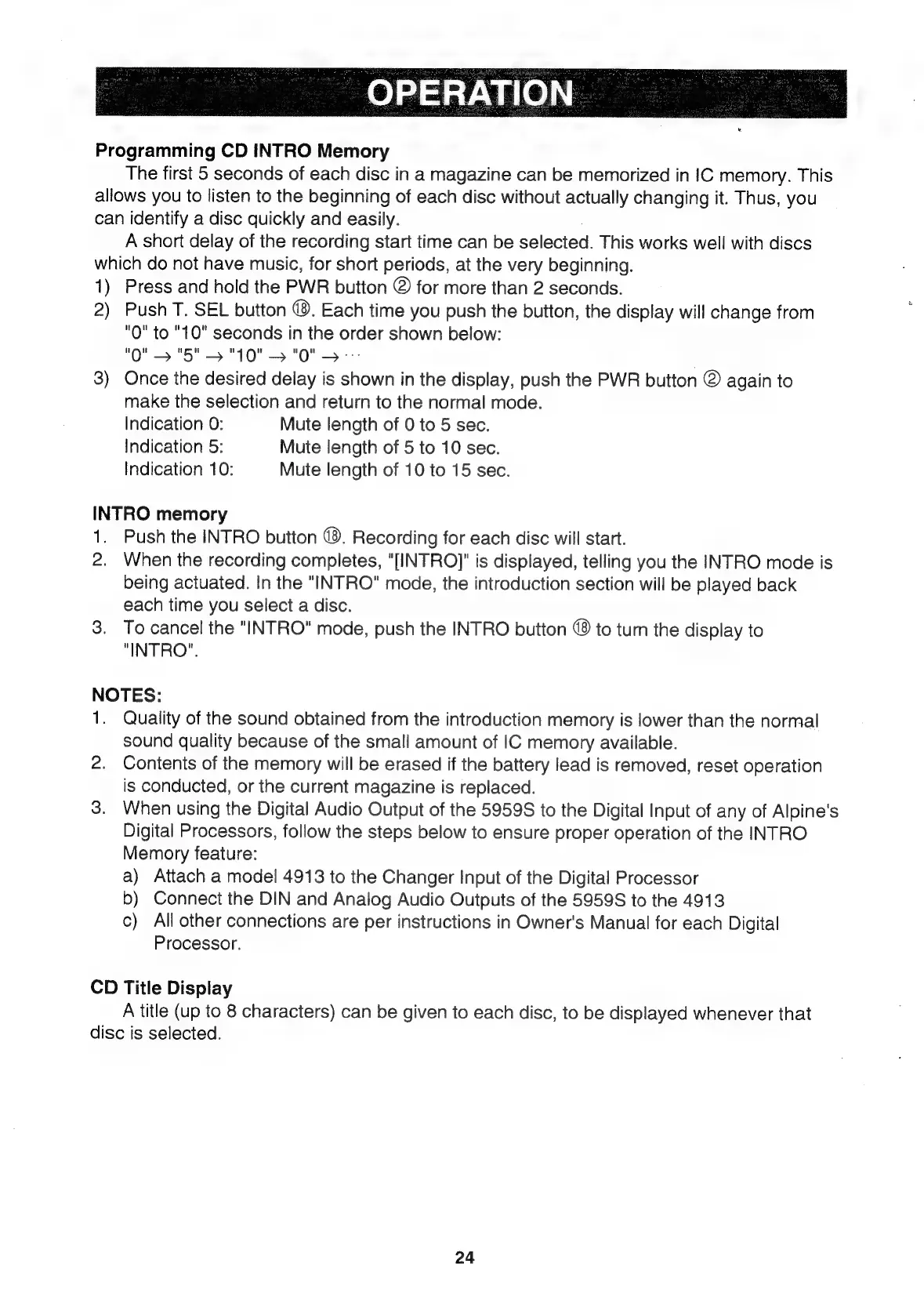
Programming
CD
INTRO
Memory
The
first
5
seconds
of
each
disc
in
a
magazine
can
be
memorized
in
IC
memory.
This
allows
you
to
listen
to
the
beginning
of
each
disc
without
actually
changing
it.
Thus,
you
can
identify
a
disc
quickly
and
easily.
A
short
delay
of
the
recording
start
time
can
be
selected.
This
works
well
with
discs
which
do
not
have
music,
for
short
periods,
at
the
very
beginning.
1)
Press
and
hold
the
PWR
button
@
for
more
than
2
seconds.
2)
Push
T.
SEL
button
@.
Each
time
you
push
the
button,
the
display
will
change
from
"0"
to
"10"
seconds
in
the
order
shown
below:
"0"
>
"5"
>
"10"
>
"0"
>
3)
Once
the
desired
delay
is
shown
in
the
display,
push
the
PWR
button
@
again
to
make
the
selection
and
return
to
the
normal
mode.
Indication
0:
Mute
length
of
0
to
5
sec.
Indication
5:
Mute
length
of
5
to
10
sec.
Indication
10:
Mute
length
of
10
to
15
sec.
INTRO
memory
1.
Push
the
INTRO
button
@®.
Recording
for
each
disc
will
start.
2.
When
the
recording
completes,
"[INTRO]"
is
displayed,
telling
you
the
INTRO
mode
is
being
actuated.
In
the
"INTRO"
mode,
the
introduction
section
will
be
played
back
each
time
you
select
a
disc.
3.
To
cancel
the
"INTRO"
mode,
push
the
INTRO
button
(8
to
turn
the
display
to
"INTRO".
NOTES:
1.
Quality
of
the
sound
obtained
from
the
introduction
memory
is
lower
than
the
normal
sound
quality
because
of
the
small
amount
of
IC
memory
available.
2.
Contents
of
the
memory
will
be
erased
if
the
battery
lead
is
removed,
reset
operation
is
conducted,
or
the
current
magazine
is
replaced.
3.
When
using
the
Digital
Audio
Output
of
the
5959S
to
the
Digital
Input
of
any
of
Alpine's
Digital
Processors,
follow
the
steps
below
to
ensure
proper
operation
of
the
INTRO
Memory
feature:
a)
Attach
a
model
4913
to
the
Changer
Input
of
the
Digital
Processor
b)
Connect
the
DIN
and
Analog
Audio
Outputs
of
the
5959S
to
the
4913
c)
All
other
connections
are
per
instructions
in
Owner's
Manual
for
each
Digital
Processor.
CD
Title
Display
A
title
(up
to
8
characters)
can
be
given
to
each
disc,
to
be
displayed
whenever
that
disc
is
selected.
24

Related product manuals