EasyManua.ls Logo

Alpine 1310R - Page 25

Alpine 1310R
29 pages
Print Icon
To Next Page IconTo Next Page
To Previous Page IconTo Previous Page
Loading...
|
re)
3-7
Vale),
ss
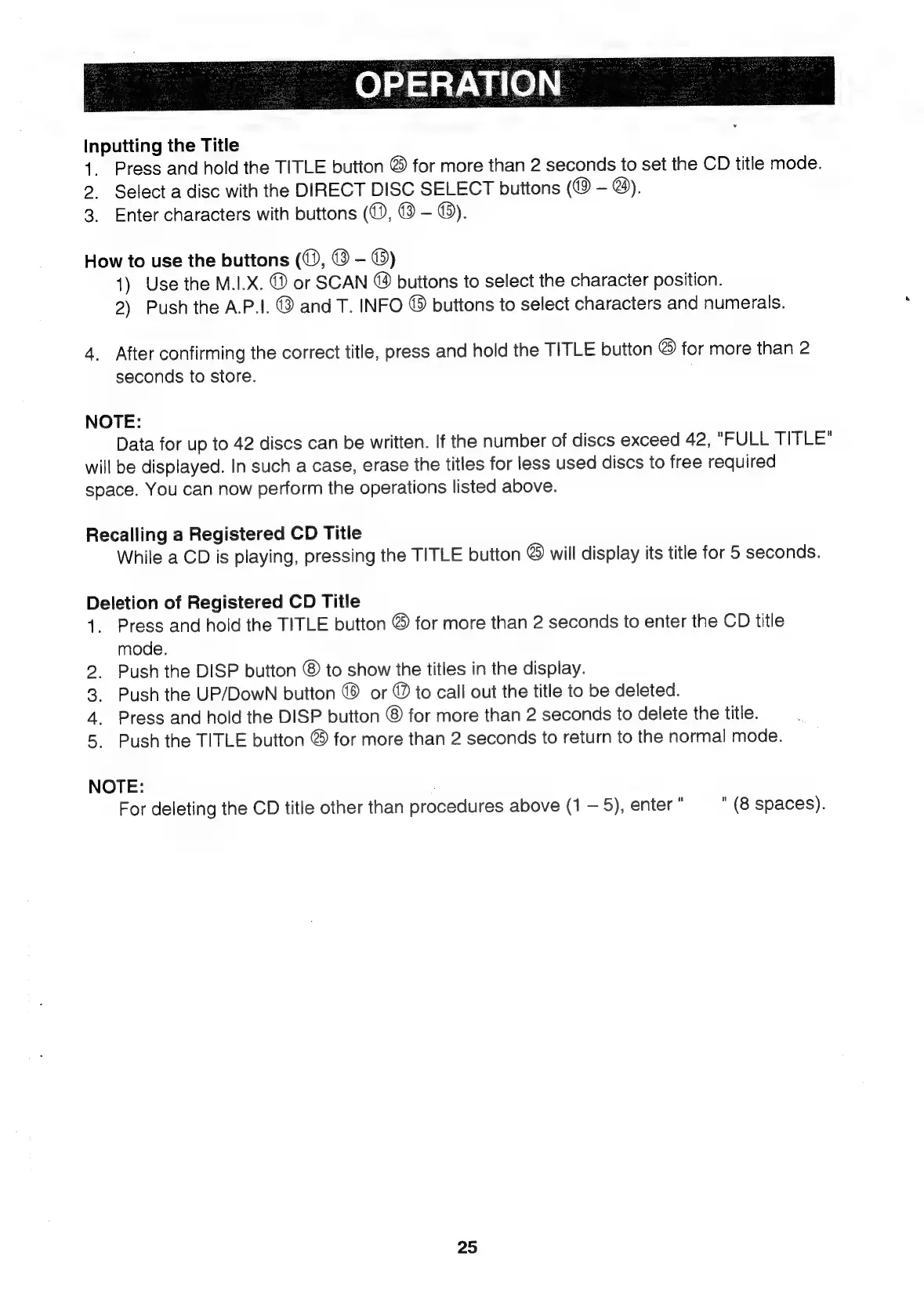
Inputting
the
Title
1.
Press
and
hold
the
TITLE
button
@
for
more
than
2
seconds
to
set
the
CD
title
mode.
2.
Select
a
disc
with
the
DIRECT
DISC
SELECT
buttons
(@
@).
3.
Enter
characters
with
buttons
(0,
®
©).
How
to
use
the
buttons
(@,
@
-
©)
1)
Use
the
M.I.X.
®
or
SCAN
@
buttons
to
select
the
character
position.
2)
Push
the
A.P.!.
©
and
T.
INFO
©
buttons
to
select
characters
and
numerals.
4.
After
confirming
the
correct
title,
press
and
hold
the
TITLE
button
@
for
more
than
2
seconds
to
store.
.
NOTE:
Data
for
up
to
42
discs
can
be
written.
If
the
number
of
discs
exceed
42,
"FULL
TITLE"
will
be
displayed.
In
such
a
case,
erase
the
titles
for
less
used
discs
to
free
required
space.
You
can
now
perform
the
operations
listed
above.
Recalling
a
Registered
CD
Title
While
a
CD
is
playing,
pressing
the
TITLE
button
®
will
display
its
title
for
5
seconds.
Deletion
of
Registered
CD
Title
1.
Press
and
hold
the
TITLE
button
©
for
more
than
2
seconds
to
enter
the
CD
title
mode.
2.
Push
the
DISP
button
®
to
show
the
titles
in
the
display.
3.
Push
the
UP/DowN
button
©
or
@
to
call
out
the
title
to
be
deleted.
4.
Press
and
hold
the
DISP
button
®
for
more
than
2
seconds
to
delete
the
title.
5.
Push
the
TITLE
button
®
for
more
than
2
seconds
to
return
to
the
normal
mode.
NOTE:
For
deleting
the
CD
title
other
than
procedures
above
(1
5),
enter
.
"(8
spaces).
25

Related product manuals