EasyManua.ls Logo

Alpine 5903 - Page 12

Alpine 5903
34 pages
Print Icon
To Next Page IconTo Next Page
To Previous Page IconTo Previous Page
Loading...
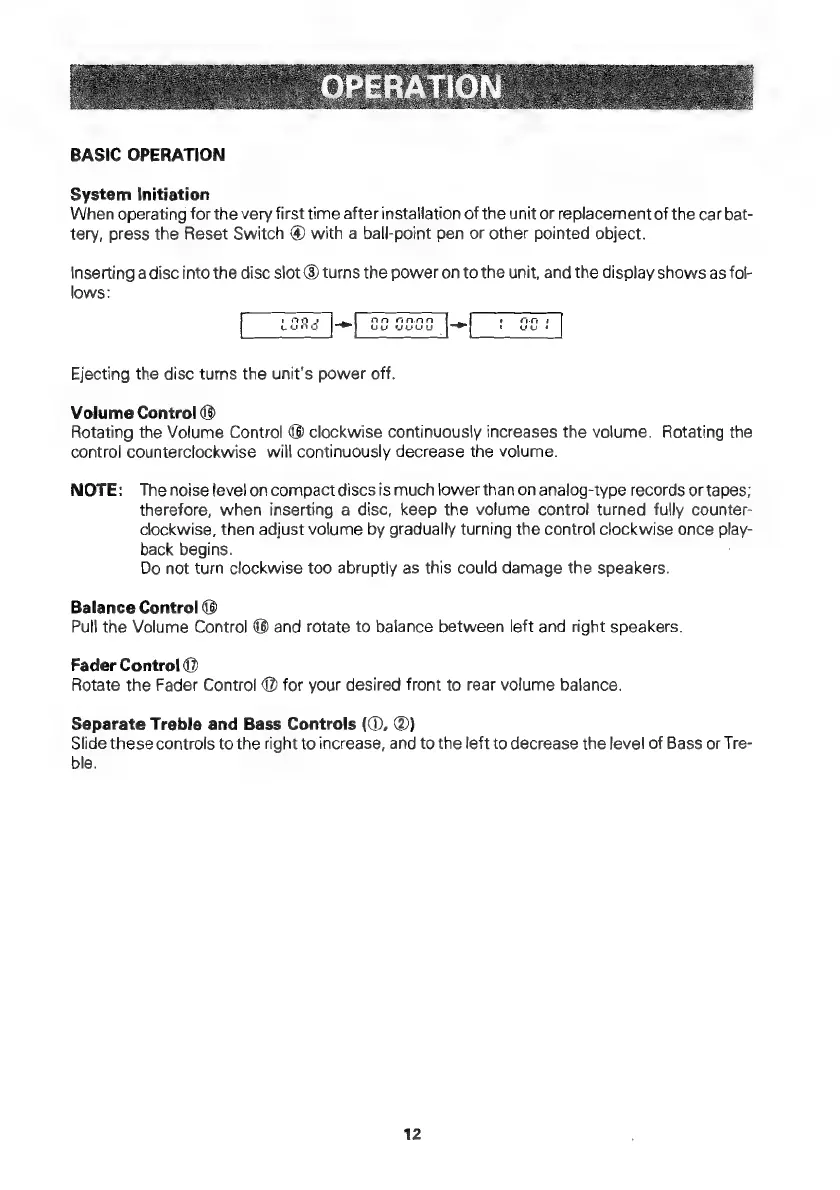
BASIC
OPERATION
System
Initiation
When
operating
for
the
very
first
time
after
installation
of
the
unit
or
replacementof
the
car
bat-
tery,
press
the
Reset
Switch
@
with
a
ball-point
pen
or
other
pointed
object.
Inserting
a
disc
into
the
disc
slot
@
turns
the
power
on
to
the
unit,
and
the
display
shows
as
fol-
lows:
Ejecting
the
disc
turns
the
unit's
power
off.
Volume
Control
Rotating
the
Volume
Control
(8
clockwise
continuously
increases
the
volume.
Rotating
the
control
counterclockwise
will
continuously
decrease
the
volume.
NOTE:
Thenoise
level
on
compactdiscs
is
much
lower
than
on
analog-type
records
or
tapes;
therefore,
when
inserting
a
disc,
keep
the
volume
contro!
turned
fully
counter-
clockwise,
then
adjust
volume
by
gradually
turning
the
control
clockwise
once
play-
back
begins.
Do
not
turn
clockwise
too
abruptly
as
this
could
damage
the
speakers.
Balance
Control
Pull
the
Volume
Control
@@
and
rotate
to
balance
between
left
and
right
speakers.
Fader
Control
@
Rotate
the
Fader
Control
@
for
your
desired
front
to
rear
volume
balance.
Separate
Treble
and
Bass
Controls
(©,
@)
Slide
these
controls
to
the
right
to
increase,
and
to
the
left
to
decrease
the
level
of
Bass
or
Tre-
ble.
12

Related product manuals