EasyManua.ls Logo

Alpine 5903 - Page 13

Alpine 5903
34 pages
Print Icon
To Next Page IconTo Next Page
To Previous Page IconTo Previous Page
Loading...
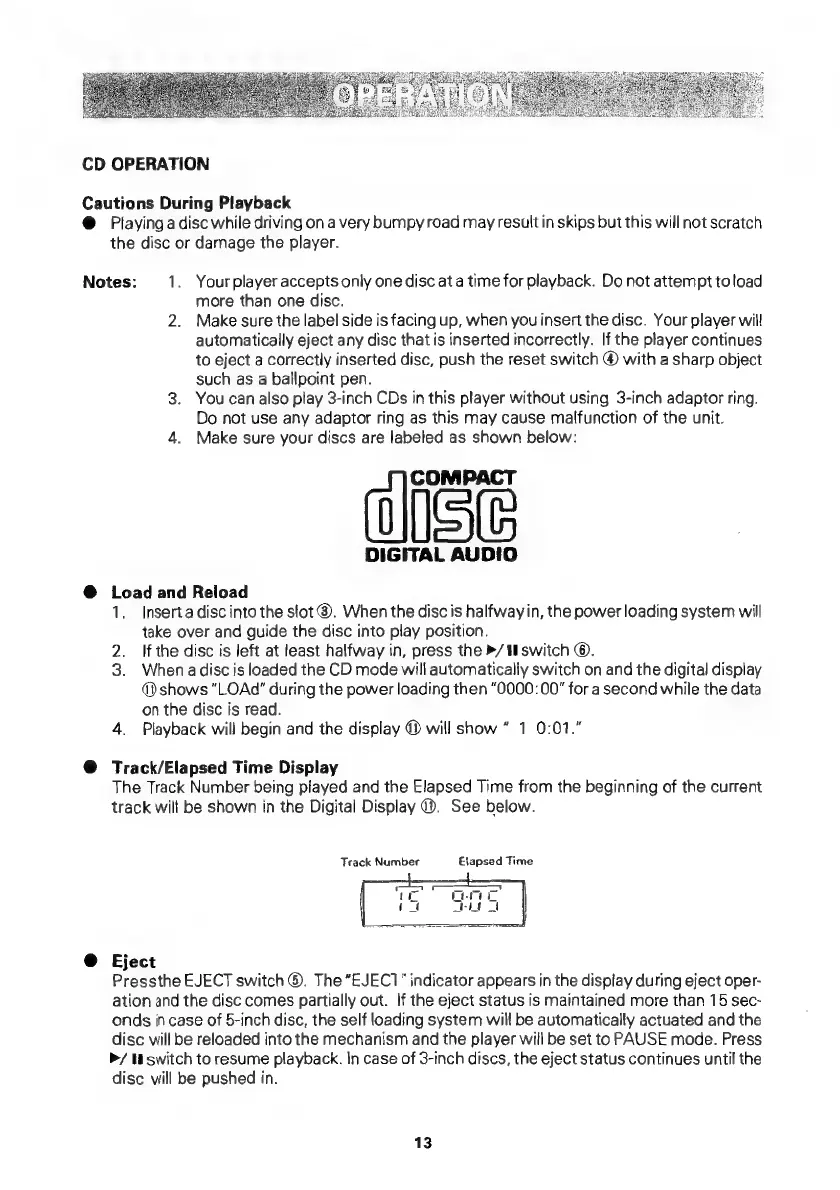
CD
OPERATION
Cautions
During
Playback
@
Playinga
disc
while
driving
ona
very
bumpy
road
may
result
in
skips
but
this
will
not
scratch
the
disc
or
damage
the
player.
Notes:
1.
Your
player
accepts
only
one
disc
ata
time
for
playback.
Do
not
attempt
toload
more
than
one
disc.
2.
Make
sure
the
label
side
is
facing
up,
when
you
insert
the
disc.
Your
player
will
automatically
eject
any
disc
that
is
inserted
incorrectly.
If
the
player
continues
to
eject
a
correctly
inserted
disc,
push
the
reset
switch
@
with
a
sharp
object
such
as
a
ballpoint
pen.
3.
You
can
also
play
3-inch
CDs
in
this
player
without
using
3-inch
adaptor
ring.
Do
not
use
any
adaptor
ring
as
this
may
cause
malfunction
of
the
unit.
4.
Make
sure
your
discs
are
labeled
as
shown
below:
)
ise
DIGITAL
AUDIO
@
Load
and
Reload
1.
Inserta
disc
into
the
slot
®.
When
the
disc
is
halfway
in,
the
power
loading
system
will
take
over
and
guide
the
disc
into
play
position.
2.
Ifthe
disc
is
left
at
least
halfway
in,
press
the
/
U
switch
©.
3.
Whenadisc
is
loaded
the
CD
mode
will
automatically
switch
on
and
the
digital
display
@)
shows
“LOAd"
during
the
power
loading
then
“0000:00"
for
a
second
while
the
data
on
the
disc
is
read.
4.
Playback
will
begin
and
the
display
@
will
show
1
0:01."
@
Track/Elapsed
Time
Display
The
Track
Number
being
played
and
the
Elapsed
Time
from
the
beginning
of
the
current
track
will
be
shown
in
the
Digital
Display
®.
See
below.
Track
Number
Elapsed
Time
@
Eject
Pressthe
EJECT
switch
®.
The
“EJEC1”
indicator
appears
in
the
display
during
eject
oper-
ation
and
the
disc
comes
partially
out.
If
the
eject
status
is
maintained
more
than
15
sec-
onds
in
case
of
5-inch
disc,
the
self
loading
system
will
be
automatically
actuated
and
the
disc
will
be
reloaded
into
the
mechanism
and
the
player
will
be
set
to
PAUSE
mode.
Press
»/
switch
to
resume
playback.
In
case
of
3-inch
discs,
the
eject
status
continues
until
the
disc
will
be
pushed
in.
13

Related product manuals