ALPINE CDE-101R 68-09359Z89-B (EN/DE/FR/ES/IT/SE/NL/RU/PL/GR)
6
01.04CDE101R-QRG.fm
Radio
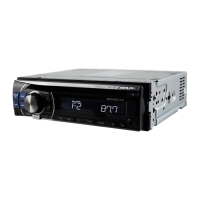
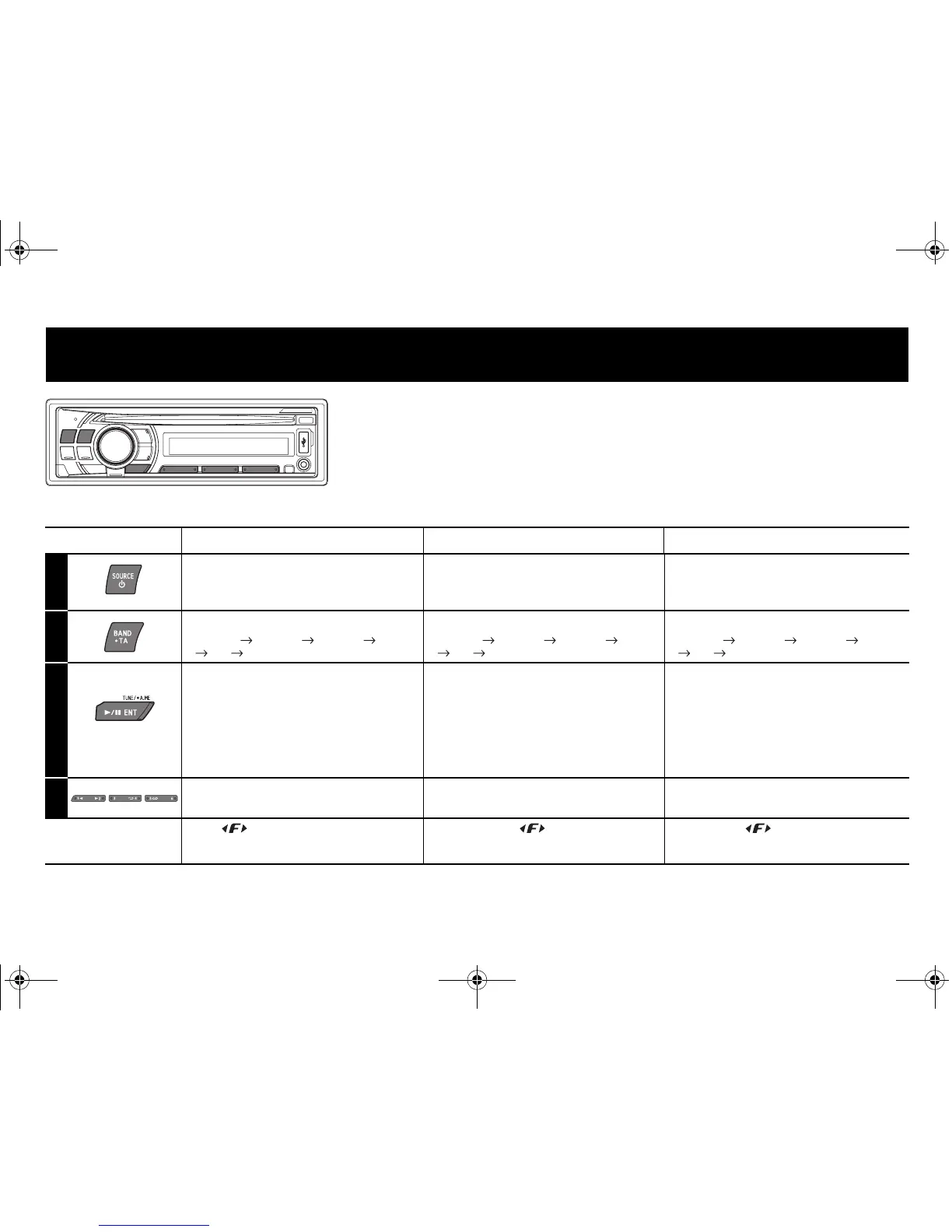
* The illustrator is for CDE-104BTi./Die Abbildung zeigt das Modell CDE-104BTi./Le mode CDE-104BTi a été choisi pour l’illustration.
English Deutsch Français
1
Recalling the TUNER Mode
Select the TUNER mode.
Aufrufen der TUNER-
Betriebsart
Wählen Sie die TUNER-Betriebsart.
Rappel du mode TUNER
Sélectionnez le mode TUNER.
2
Changing the Band
F1(FM1) F2(FM2) F3(FM3) MW
LW F1(FM1)
Wechseln des Frequenzbands
F1(FM1) F2(FM2) F3(FM3) MW
LW F1(FM1)
Changement de fréquence
F1(FM1) F2(FM2) F3(FM3) MW
LW F1(FM1)
3
Presetting Stations
Automatically
Press and hold for at least 2 seconds.
The tuner will automatically seek and store
6 strong stations in the selected band.
Automatische
Senderprogrammierung
Halten Sie die Taste mindestens 2
Sekunden lang gedrückt.
Der Tuner sucht und speichert
automatisch die sechs stärksten Sender
im ausgewählten Band.
Préréglage automatique des
stations
Maintenez cette touche enfoncée
pendant au moins 2 secondes.
Le tuner recherche et mémorise
automatiquement les 6 stations les plus
puissantes sur la gamme sélectionnée.
4
Tuning to Preset Stations Abrufen eines gespeicherten
Senders
Accord d’une station préréglée
If the indicator is illuminated, turn off the
indicator by pressing FUNC./SETUP, and then you
can perform the operation.
Wenn die Anzeige leuchtet, schalten Sie die
Anzeige durch Drücken von FUNC./SETUP aus.
Danach können Sie die Funktion ausführen.
Si l’indicateur s’allume, appuyez sur
FUNC./SETUP pour l’éteindre ; vous pouvez à
présent effectuer votre opération.
01.00CDE101R-QRG.book Page 6 Friday, September 19, 2008 10:49 AM


 To Next Page
 Loading...