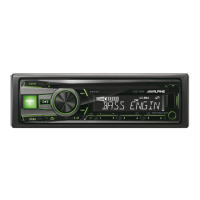
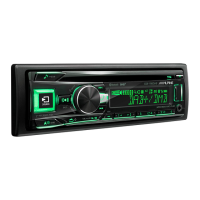
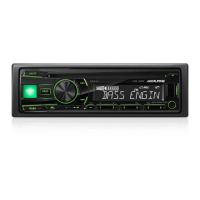
6
3. Updating the head unit
1. Turn on ACC
2. Turn to the USB source
4. Push the BAND button and Preset 3
5. Push PLAY/Pause button until you see the „Update No“ on the display
Do NOT update the firmware while driving.
6. Turn the rotary encoder to select “Update YES“ and press the rotary encoder
to start the update
3. Insert the USB memory stick to the USB connector


 To Next Page
 Loading...