7
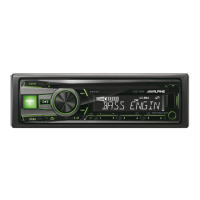
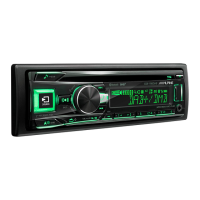
8. “UPD XX%“ will appear on the screen for approximately 10 minutes.
Please do not power off the unit and do not push any button, while the
unit displays
“UPDXX“%
.
9. “Updated“ will appear on the display.
11. Turn off ACC, remove the USB memory stick and turn ACC on
10. The checksum “M_31F90C11” will show in the display
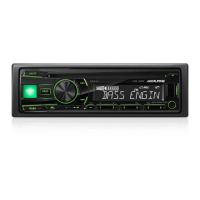
7. At first, unit shut down and restart.
The display show „UPD START“ and later „UPD XX%“.


 To Previous Page
 Loading...