9-EN
Listening to Radio
1
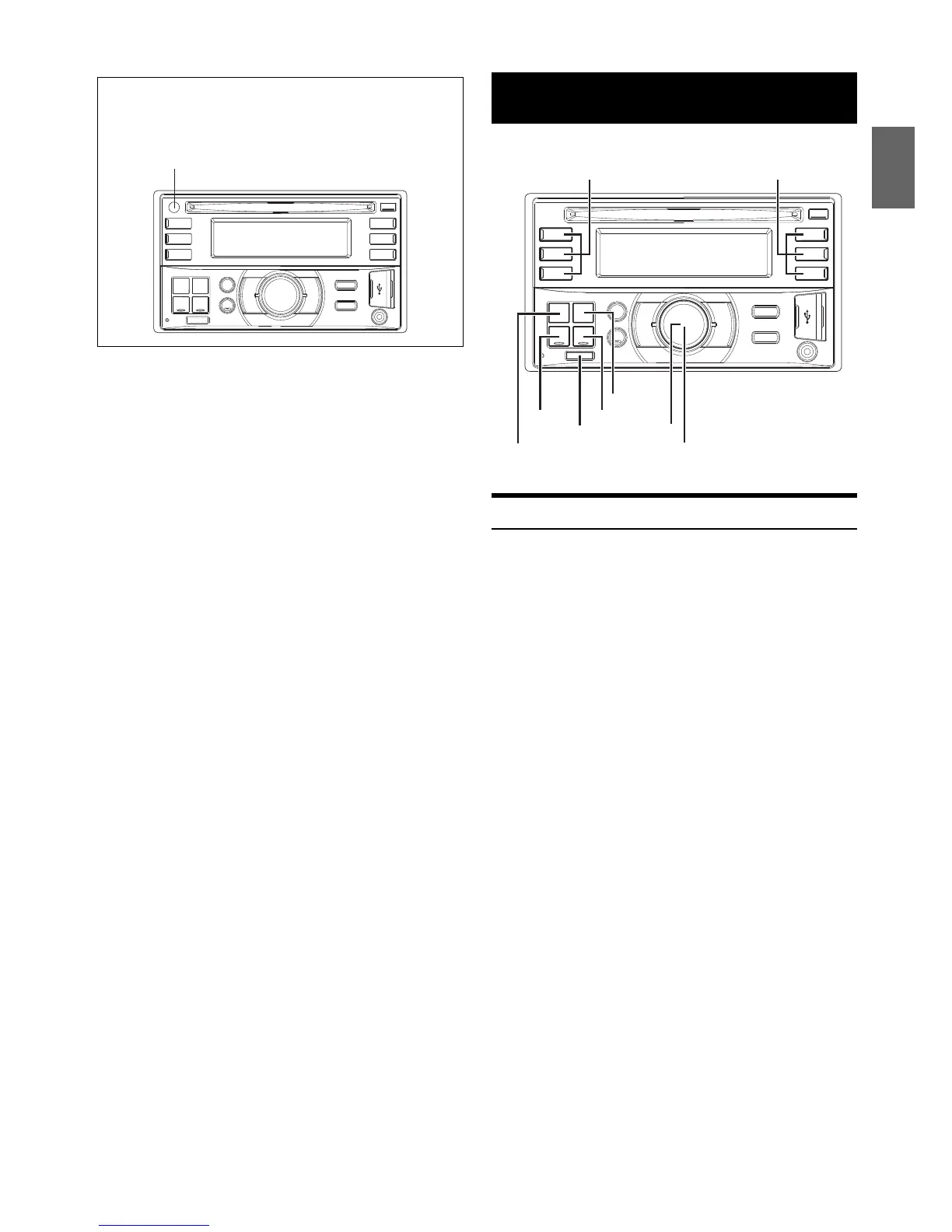
Press SOURCE to select TUNER mode.
2
Press BAND repeatedly until the desired radio band is
displayed.
F1 (FM1) F2 (FM2) AM F1 (FM1)
3
Press TUNEA.ME to select the tuning mode.
DX SEEK (Distance mode) SEEK (Local mode) off (Manual
mode) DX SEEK
Note
• The initial mode is Distance mode.
Distance mode:
Both strong and weak stations will be automatically tuned in
(Automatic Seek Tuning).
Local mode:
Only strong stations will be automatically tuned in (Automatic
Seek Tuning).
Manual mode:
The frequency is manually tuned in steps (Manual tuning).
4
Press or to tune in the desired station.
Holding down or will change the frequency
continuously.
Controllable with Remote Control
This unit can be controlled with an optional Alpine remote control.
For details, consult your Alpine dealer. Point the optional remote
control transmitter at the remote-control sensor.



 To Next Page
 Loading...