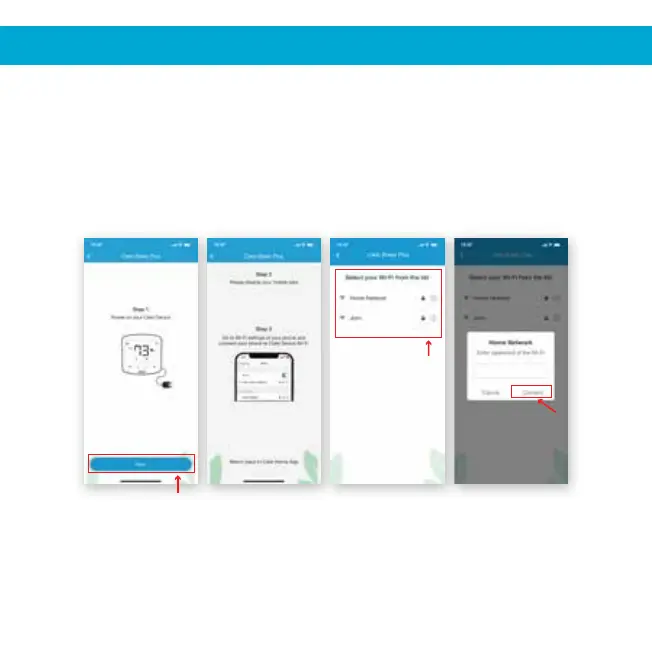
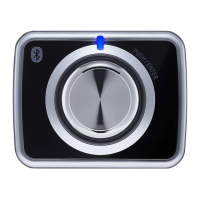
Step 1: Power-up the Cielo Device and press ‘Next’.
Step 2: Go to the Wi-Fi settings of your phone.
Step 3: Select the Cielo Device (Cielo_xxxx_xxxxxx) from the Wi-Fi list.
Step 4: Come back to the Cielo Home App.
Step 5: Your phone will show the list of available Wi-Fi networks.
Step 6: Select your preferred Wi-Fi network from the list, enter the password
and tap the 'Connect' button.
6
Step 1 Steps 2, 3, 4 Step 5 Step 6
3A. REGISTRATION - iOS USERS


 To Next Page