11
5. YOUR HOME SCREEN
1
2
3
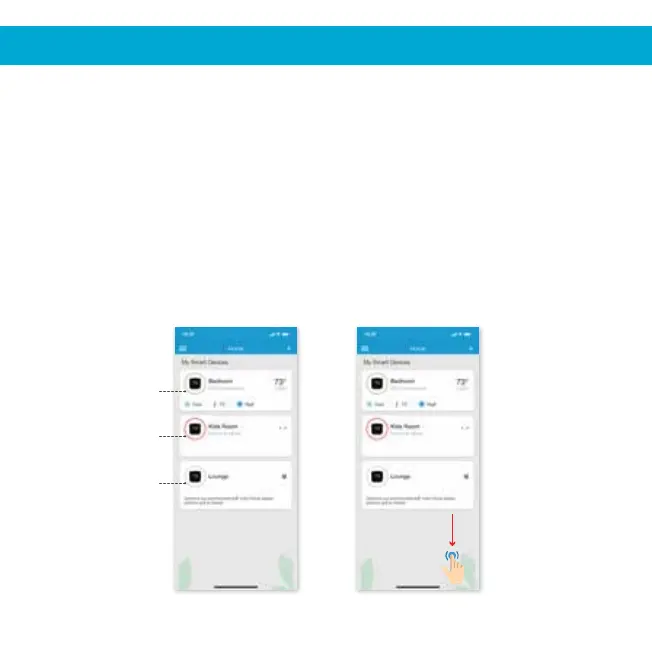
If circle around the
Cielo device is not
green, refresh
screen by swiping
downwards
Your home screen shows the real time status of all your Cielo Devices.
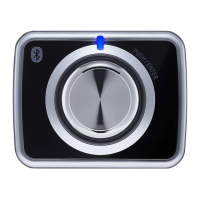
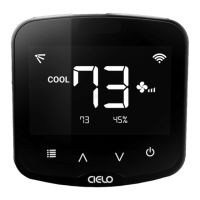
A registered Cielo Device can show either of the 3 status, outlined in circles:
1 - Green
Device is online. You’re good to go!
Device is offline, try the following options:
- Ensure your phone is connected to a working internet connection.
- Refresh home screen by swiping downwards (pull-to-refresh).
- Ensure device is connected to a working internet connection
(refer to the troubleshooting section at page 12).
Device is unregistered, try the following options:
- Ensure your phone is connected to a working internet connection.
- Refresh home screen by swiping downwards (pull-to-refresh).
2 - Red
3 - Grey


 To Next Page