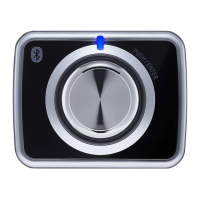
Quick Tip:
All four buttons at the bottom of the Breez Plus will blink once at the same time after
receiving the remote control's signal. If they do not blink, please check the batteries
of the remote control.
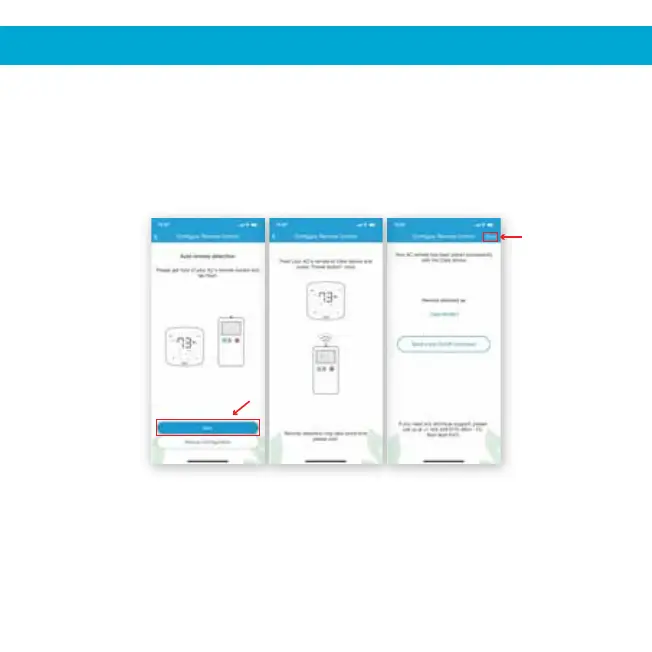
Step 5: Get hold of your AC’s remote and tap ‘Next’.
Step 6: Point your AC's remote at the Cielo Device and press the remote’s
Step 7: The configuration screen will display your detected remote control.
Step 8: Your remote has now been paired successfully with the Cielo Device.
10
4. REGISTRATION - iOS / Android
Registration process is complete. Enjoy the unlimited controls!
Step 5 Step 6 Steps 7, 8
'Power Button' once. It will start the processing & configuration process.
Tap on ‘Send a test on/off command’.
Tap on ‘Done’.


 To Next Page