18-EN
[Volume] is selected on the Setup menu screen.
Phone Volume Setup
[Phone] is selected on the Volume Setup menu screen.
You can adjust the receive volume, during the call.
Setting item:
Ring Vol.
Setting contents:
01 to 11 (Initial setting: 05)
You can adjust the volume of the incoming call.
Setting item:
Caller Vol.
Setting contents:
01 to 11 (Initial setting: 05)
You can adjust the transmit volume, during the call.
Setting item:
Mic Vol.
Setting contents:
01 to 11 (Initial setting: 05)
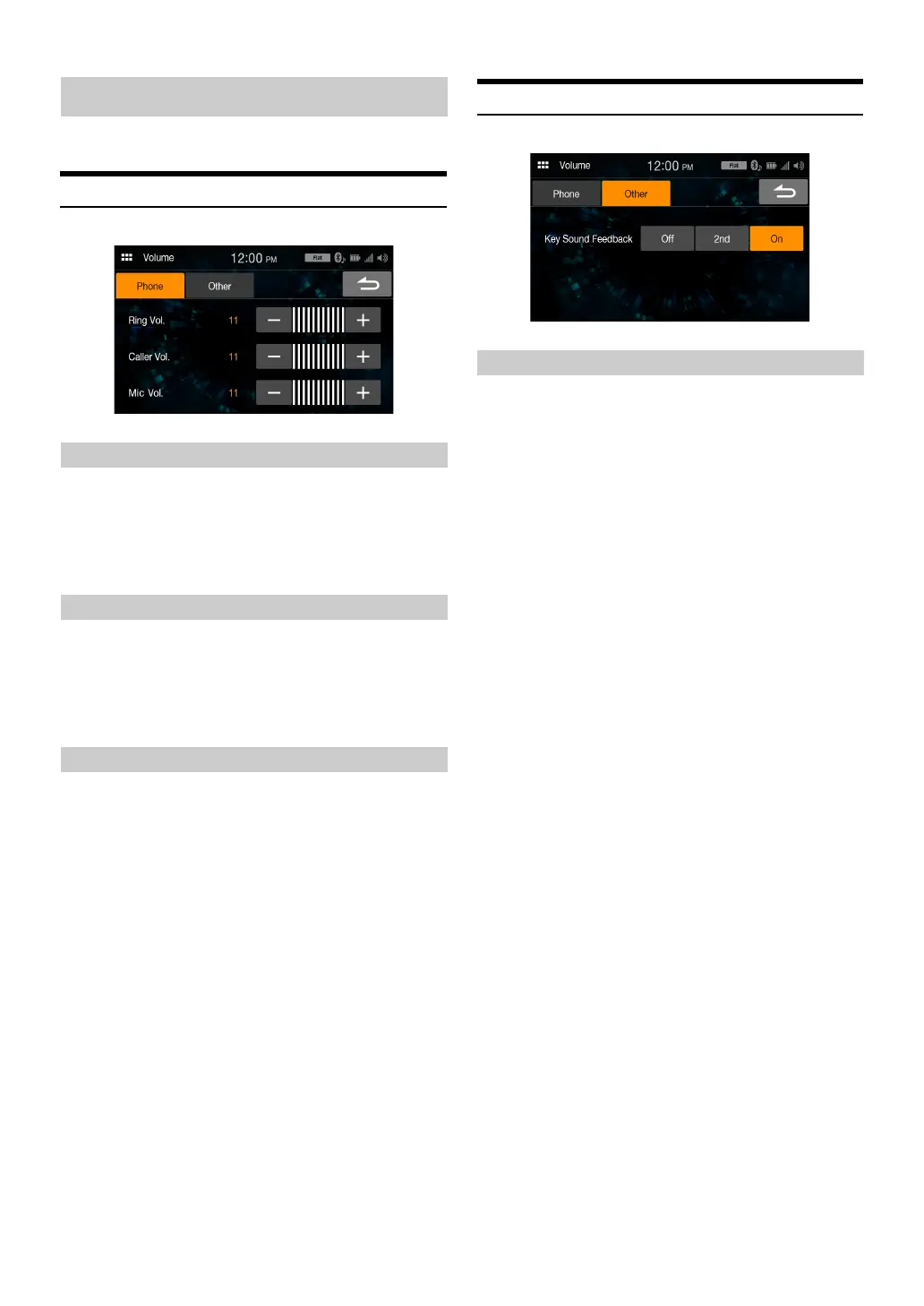
Volume Setup except for Phones (Other)
[Other] is selected on the Volume Setup menu screen.
You can change the volume of the sound heard when a button is
touched.
Setting item:
Key Sound Feedback
Setting contents:
Off, 2nd, On
Volume Setup
Adjusting the Ring Tone Level
Adjusting the Caller Level
Adjusting the Microphone Level
Volume Setting



 To Next Page