109-EN
01GB07INE-W957A.fm
ALPINE INE-W957A 68-24567Z47-A (EN)
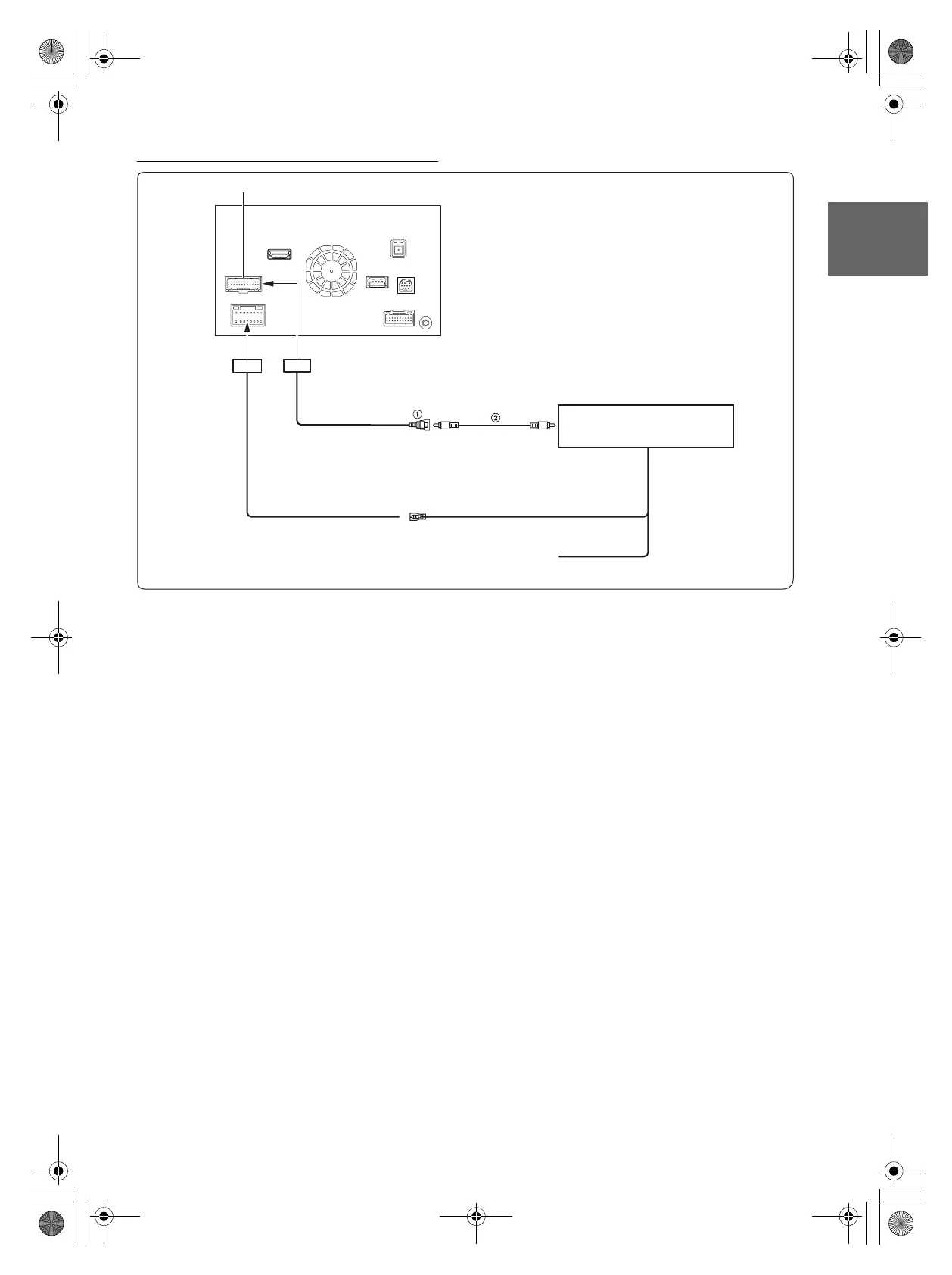
Connection of cameras (HCE-C212F + HCE-C210RD)
1 CAMERA Input RCA Connector
2 RCA Extension Cable (sold separately)
• When the screen switches from the front view camera image to the Navigation screen, the location of your vehicle may not be displayed correctly.
• It’s better to connect the AUX Camera’s power cable to ACC. Otherwise the (AUX) camera’s image will not be displayed by touching (AUX)
camera button on My Favourite screen.(page 20)
CAMERA/W.REMOTE Connector
REVERSE
To plus side of the back lamp
signal lead of the car.
Control Unit
To Video Output Terminal
(Orange/White)
Camera Control Lead
(Orange/Black)
CAMERA 2
01GB00INE-W957A.book Page 109 Monday, April 21, 2014 7:49 PM



 To Next Page