10
HD Output
To output the photos, video to high definition TV, insert the camera HD port with TV HD
community port, and connect HD input port with TV input port. Please be sure to stop video
playing before connect or disconnect HD.
TV Output (Part models)
To output the photo, video to TV, insert the camera AV port with TV community port, Yellow port
is for video input, red/white port is for audio input.
Attention: Stop video/recording playing before connect or disconnect with TV. (The TV source
needs to be switched to AV mode)
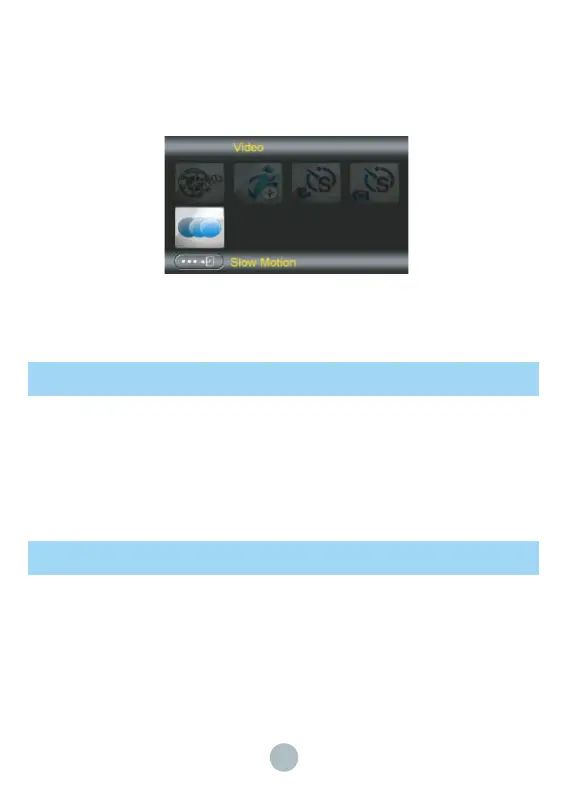
Under photo/video interface, press Menu button to enter the setting interface, under “Video” item,
choose “Slow Motion” and press OK button, then press START/STOP button, the camera will
start recording. Press the START/STOP button again to finish recording, and under playback
mode, you can press START/STOP button to play the video of slow motion. The sound will not
be recorded during slow motion recording.


 To Next Page