9
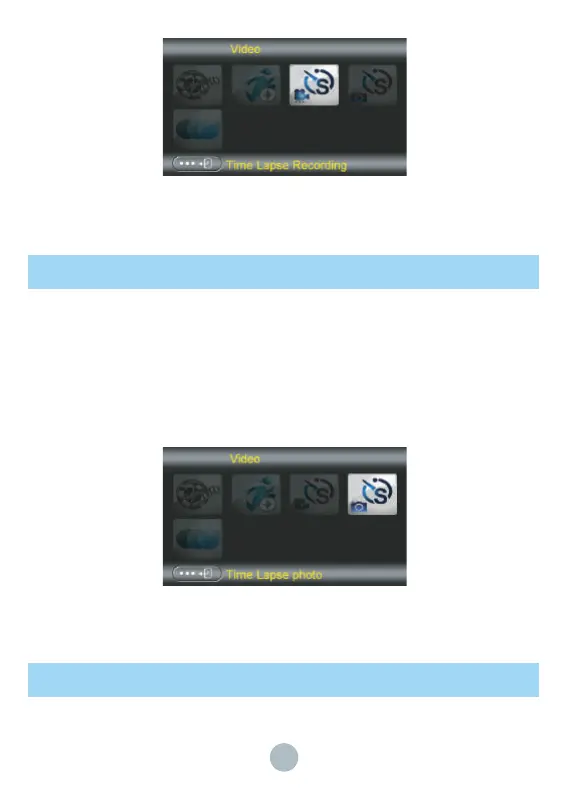
Time Lapse Photo
Time lapse photo is a function that photos are taken according to the shooting interval setting.
Under photo/video interface, press Menu button to enter the setting interface, under “Video”
item, choose “Time Lapse Photo” and press OK button, then press START/STOP button to t
ake photos. Countdown five seconds later, the camera will turn off the display to enter the
timed photo mode. The camera will take photos according to the time-lapse recording time
setting and interval setting. To save power during photo shooting, the camera's display will turn
off. The working status is displayed by the indicator light. The camera will not exit the
time-lapse photo mode until it is turned back on.
Slow Motion
Slow-motion photography is a function for capturing fast moving objects and vividly showing the
details of the motion state of the object.


 To Next Page