11
Switch off
Under switch-on status, press power button until the camera is off.
Under idle mode, if no operation is done in the time beyond auto off time, the camera will be
switched off automatically for energy saving.
Date & Time Setting
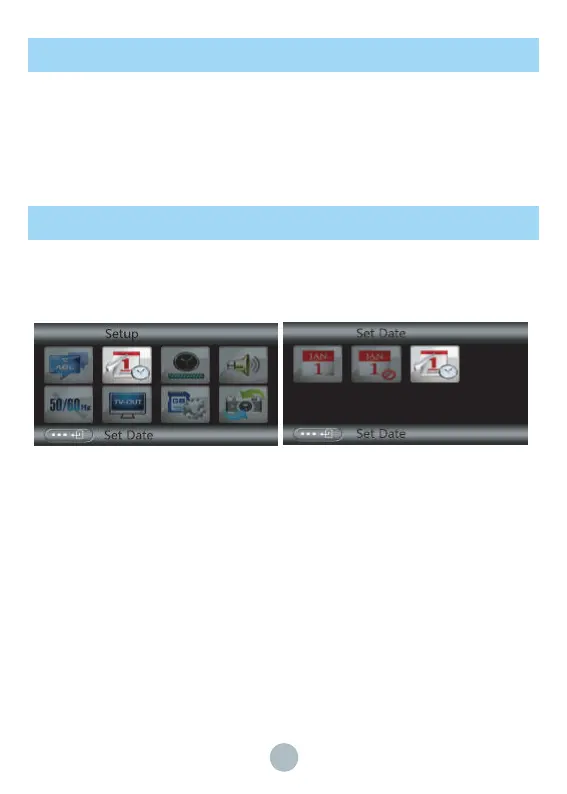
Under photo/video mode, press Mode key twice to open the system menu setting, press T
button to select “Date&Time” setting, the selected item is highlighted, press OK to enter the
setting interface.
Press T button to choose the last submenu, press W/T button and Up/Down key to adjust the
date and time, Press OK to save the setting, or press Menu to cancel the setting. Under
“Date&Time” setting, you can choose that the date stamp is on or off.



 To Next Page