13
System Menu Settings
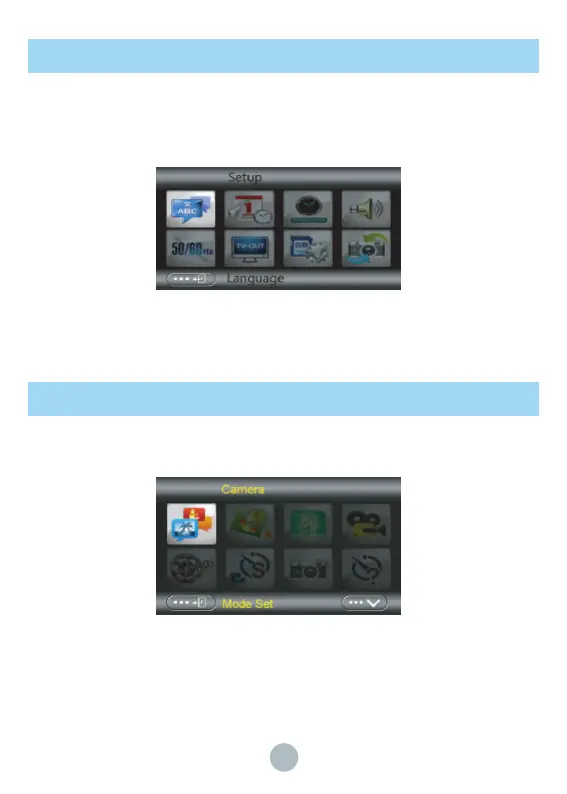
Under photo/video mode, press Mode key twice to open system menu(the interface shown
below), press W/T button or Up/Down key to select submenu, press OK key to enter into
submenu. Press W/T button or UP/DOWN button to set. Then press OK to save the setting, or
press MENU button to cancel the setting. Selected menu will be highlighted after selection.
Video and Photo Menu setting
Under video/photo mode, press MENU button to enter the video/photo menu setting. The
methods of video and photo menu setting are as same as that of System menu setting.
▲
System Menu
▲
Photo/video menu



 To Next Page