5
Altai Technologies Ltd. All rights reserved
Quick Setup Guide
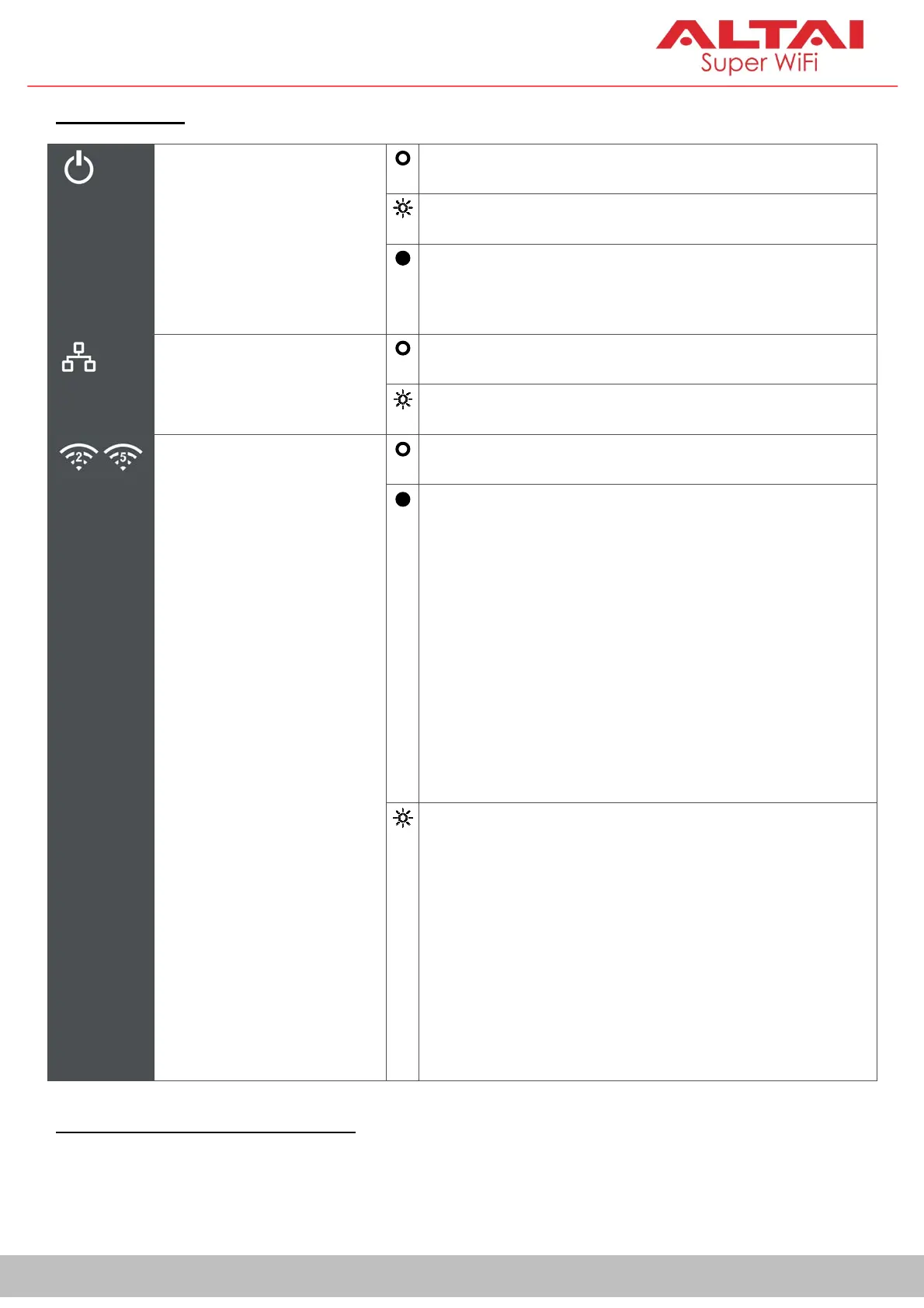
A: LED Panel
Power
Off: No power
Flashing: AP booting up
Steady:AP boot up finished and ready for
service
LAN (Ethernet)
Off: LAN (Ethernet) disconnected
Flashing: Data transmitting/receiving
2.4G/5G WiFi Radios
(Station/Repeater/
AP/Bridge Mode)
Off: Radio disabled
Steady:
1. Station/Repeater Mode on but not
connected to remote AP
2. AP Mode on but with no clients
associated
3. Bridge Mode on but not connected to
remote peer
Flashing:
1. Station/Repeater Mode on and
connected to remote AP
2. AP Mode on with clients associated
3. Bridge Mode on and connected to
remote peer
B: RP-SMA RF Port 1 (Female)
Used with Port 2 together to attach 2 x 2.4G/5G antennae (purchased
separately) for 2x2 MIMO WiFi connection.


 To Next Page